Personal Project
Duration: 2 month
Tool: Figma, Adobe Photoshop, Blender, MidJourney
Role: User Experience Design, User Research, accessibility, product design
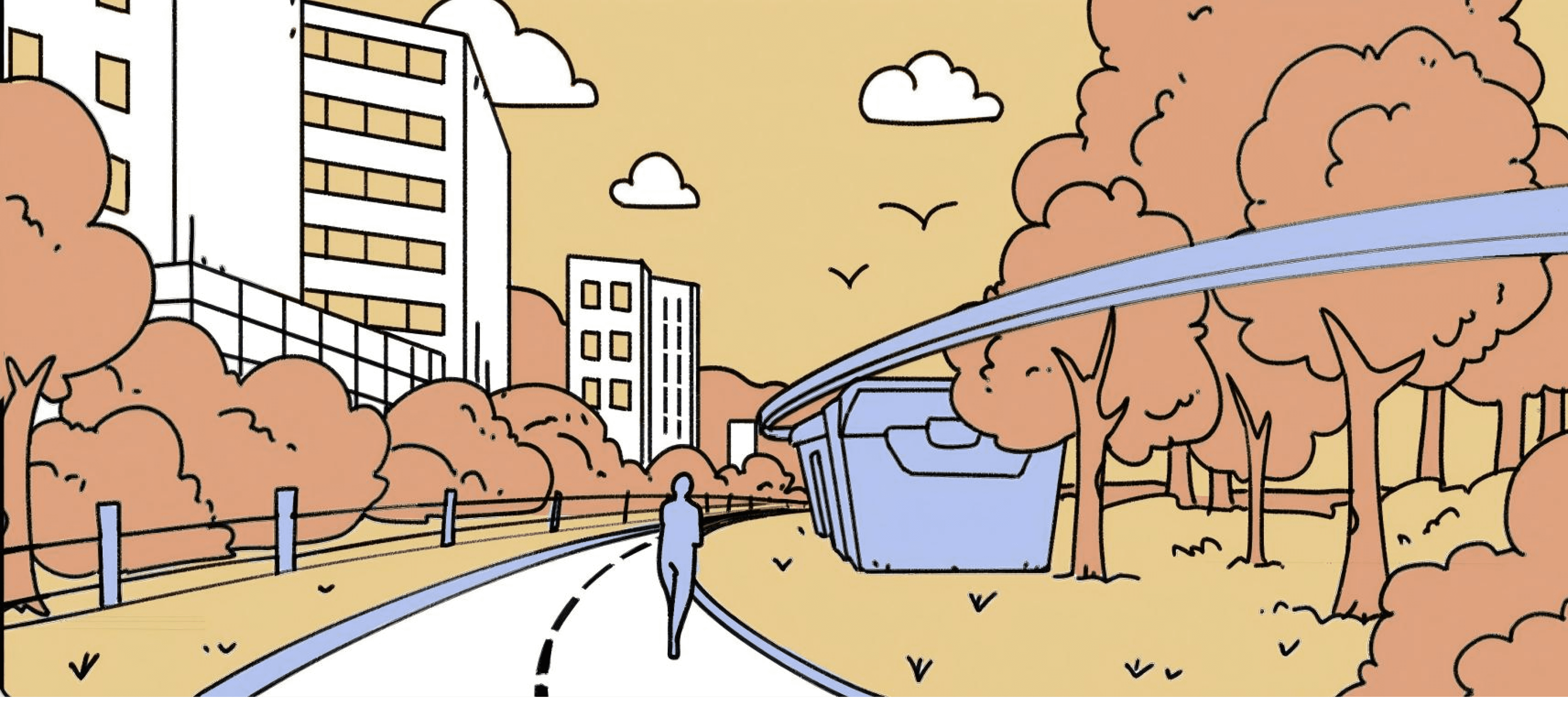
BLiND
RUNNER
An accessible design project aim to help night-blind runners.
Challenge
Driven by a dedication to equality and inclusion, there's a growing movement to design public facilities that provide fair access to sports for those with visual impairments, boosting social inclusivity.
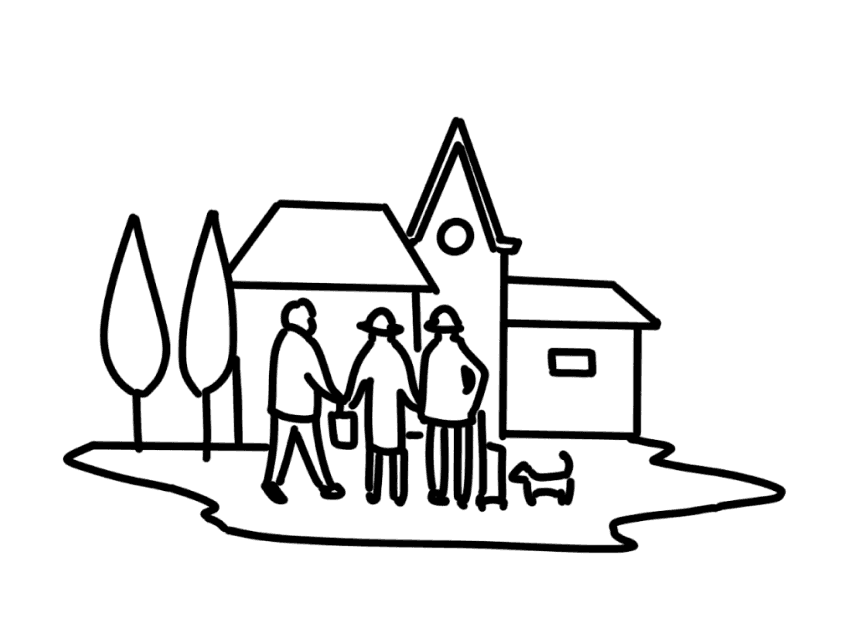
Social Health,
Welfare
Equal Chances,
Respect
Build
Inclusive City
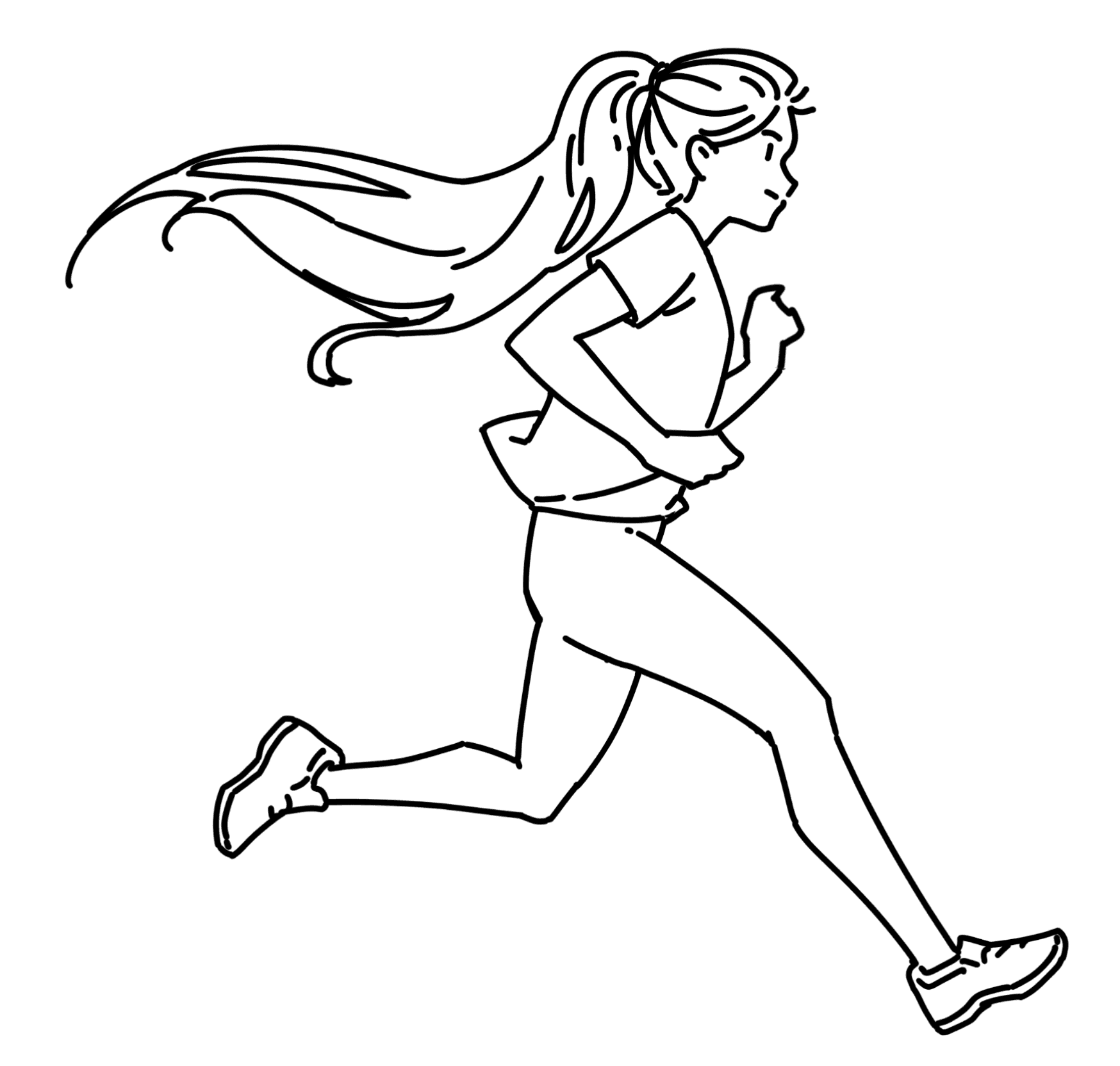
“Running in the Dark”
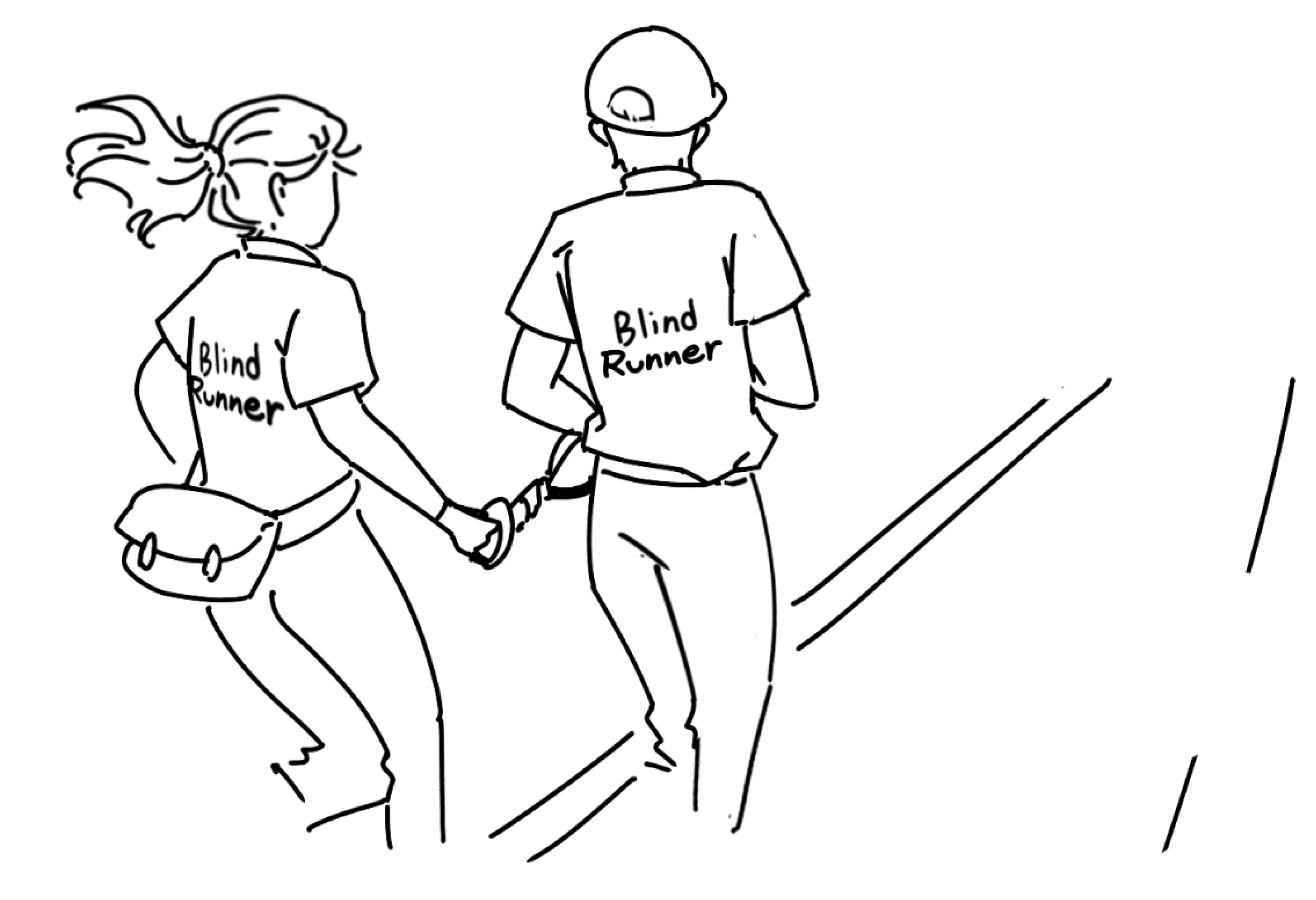
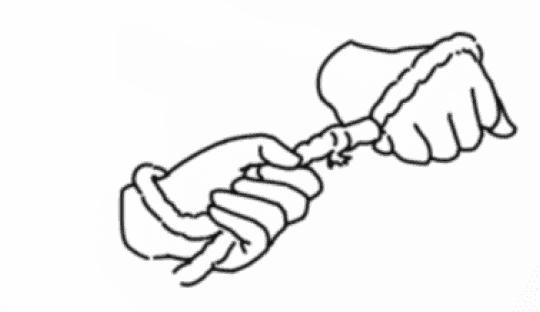
“Dark Runners”, launched in 2016 by 'Dialogue in the Dark,' is a national running program where 1,700 volunteers guide people with disabilities using a 30cm rope, acting as their 'eyes' while sharing conversations and experiences.
Case Study
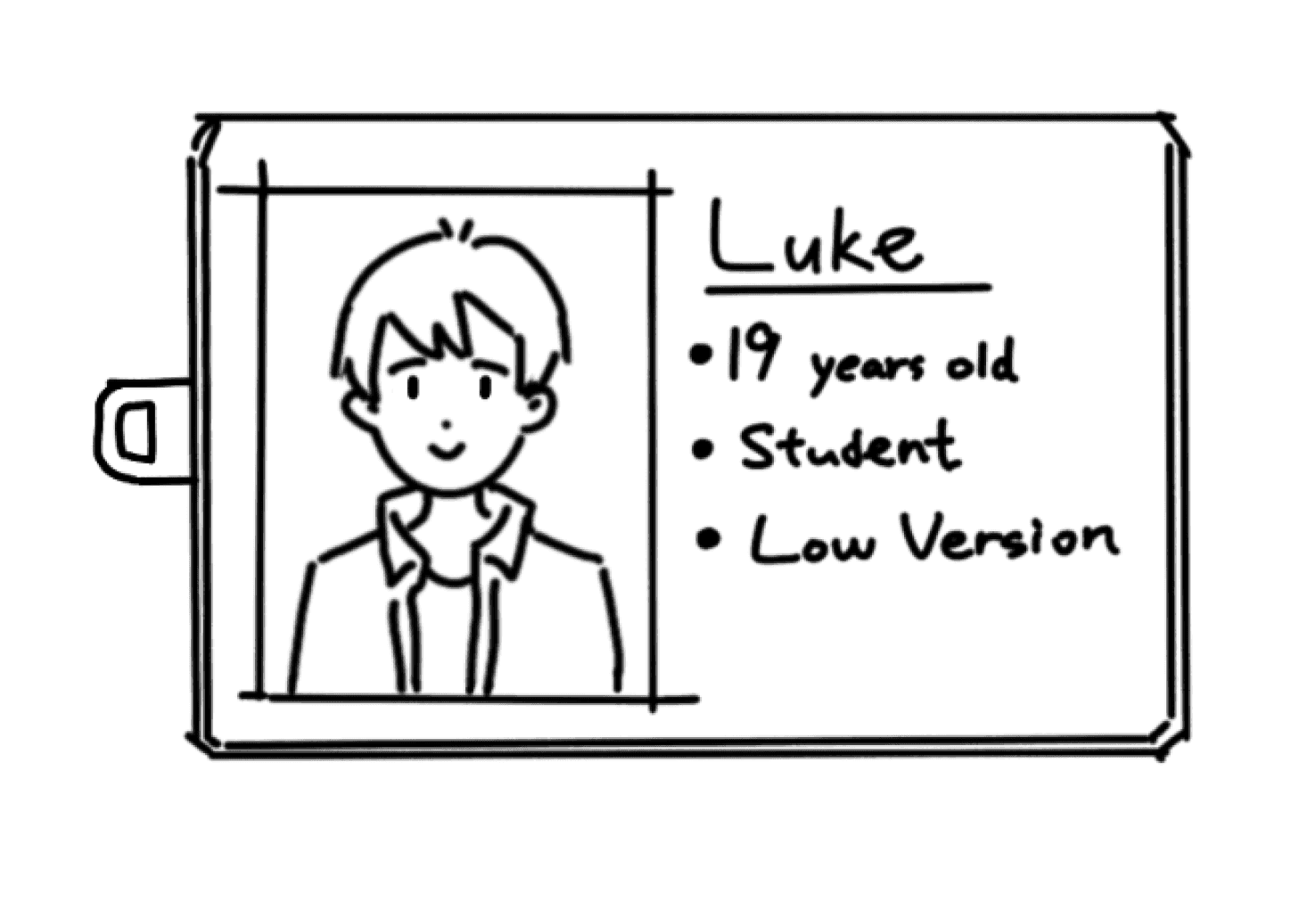
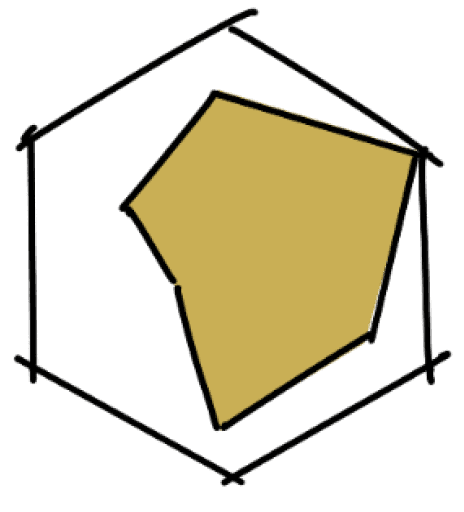
Persona
Introverted/extroverted
Desire For Sports
Sense of Security
Self-esteem/inferiority complex
Energy
Privacy
Needs & Wants
Challenges in using technical equipment
Pressure to rely on lead runners
Navigation concerns
Safety concerns
Desire for freedom & independence
Social pressure
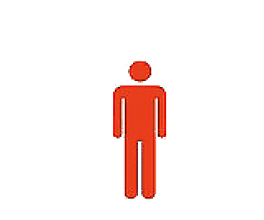
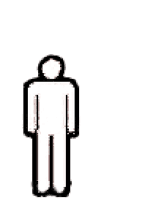
10%
Privacy concerns
15%
safety concerns
30%
worrying about
inconveniencing others
65%
Research
Visual impairments can make unfamiliar environments stressful, limiting exercise opportunities.
BACKGROUND
In today's world, inclusivity is becoming more and more important, with a focus on equal opportunities and respect for everyone. Sports play a key role in social engagement and personal development for those with visual impairments. However, they can face challenges with traditional sports facilities not meeting their needs.
User Journey



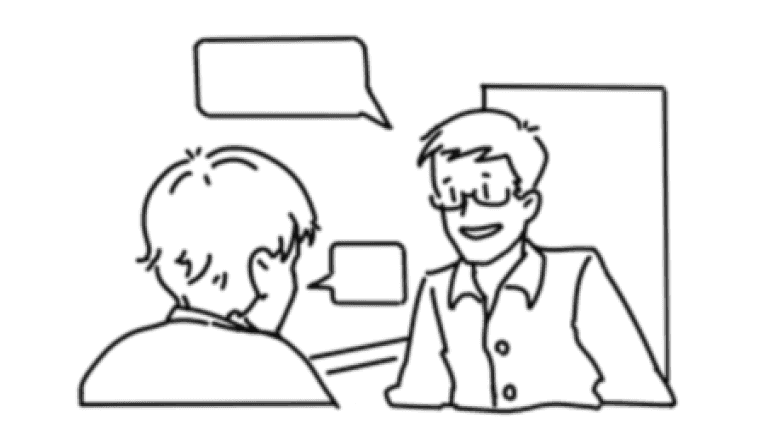
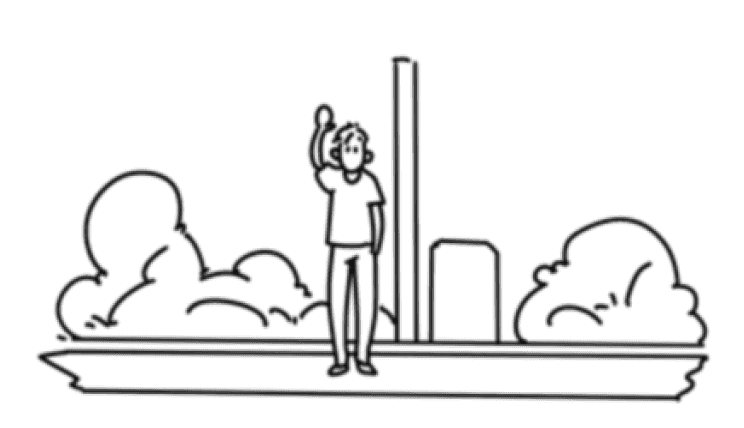
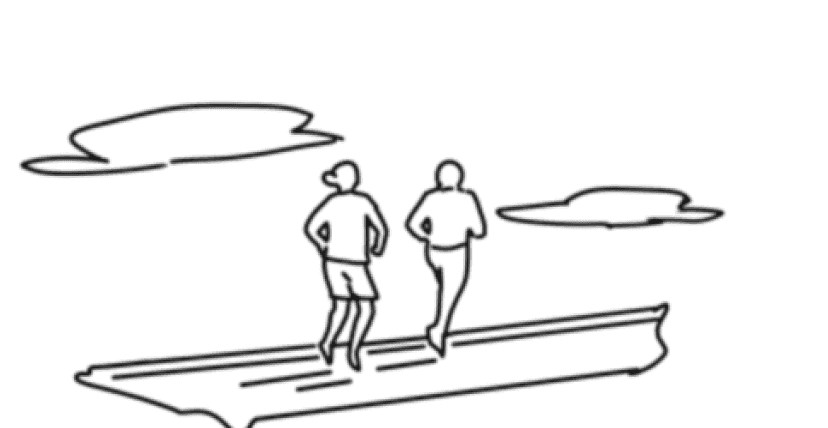
Set up an appointment with leader
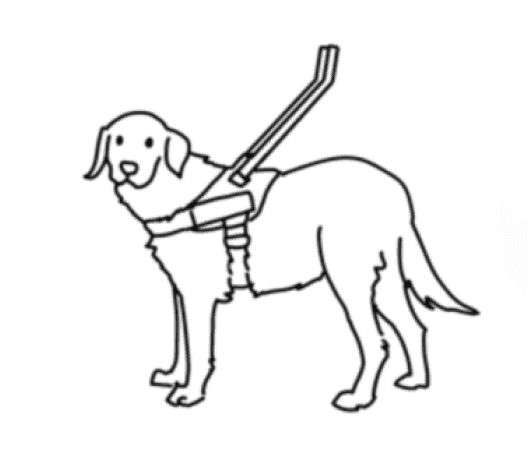
Service & product survey
Action
Pain Point
Emotion
Opportunity
1
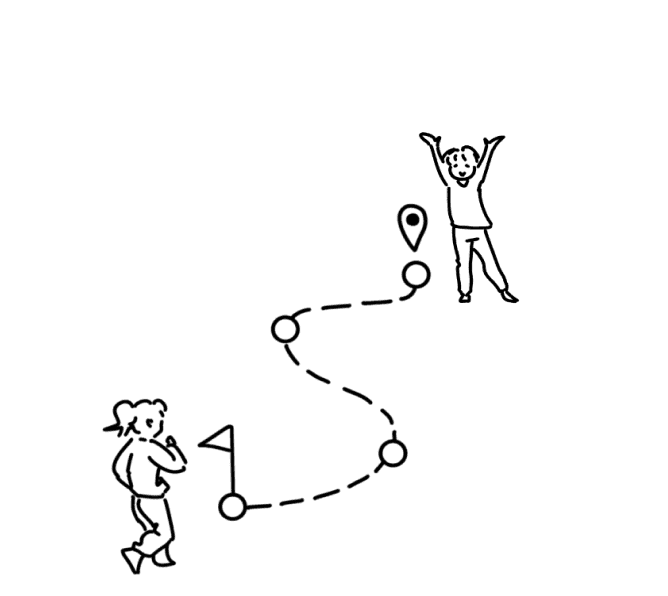
Reach the destination
2
Run with leader
Guide Dog
Guide Rope
3
Demand Summary
High cost, environment limitation
Avaliability trust/safety
Use Independently
Reliable & Durable
Low Cost
Easy to Use
Find a runner who is willing to lead the run and agree an a running time with her/him
Transportation to the run site
Use the tow rope and follow the leader to run
Suitable lead runner
Matching schedule
Information identification
Avoiding obstacles
Self esteem
Social stress
Privacy
Self-determination
Social infrastructure
Social inclusion facility constrution
No dependence
Automatic navigation
Safety measures
Unaccompanied
Suitable for all visually impaired people
Available at any time
Choose a leader
Appointment success
Travel problems
Arrive and meet at destination
Mental burden
Achievement for completing workouts
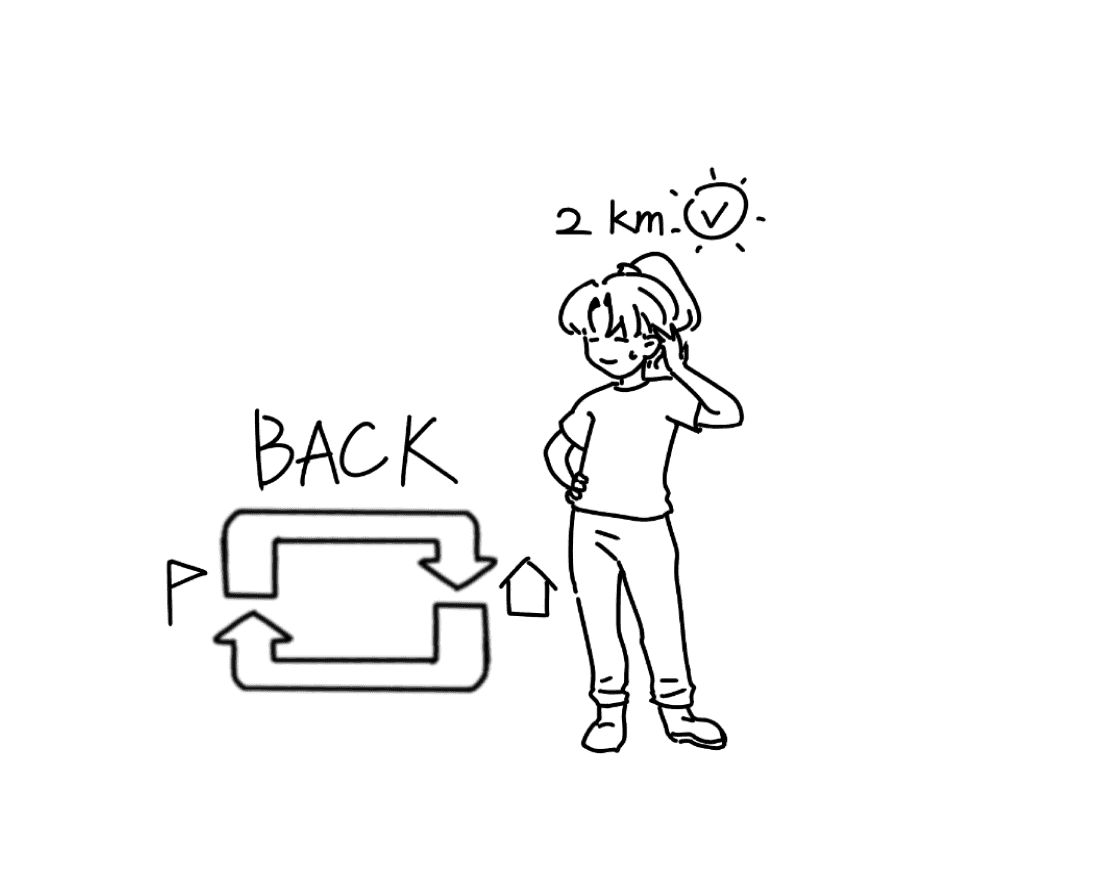
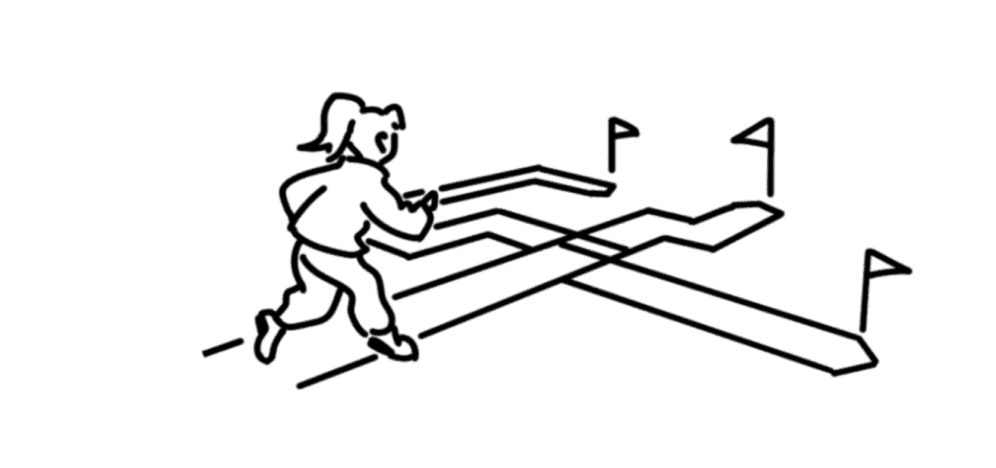
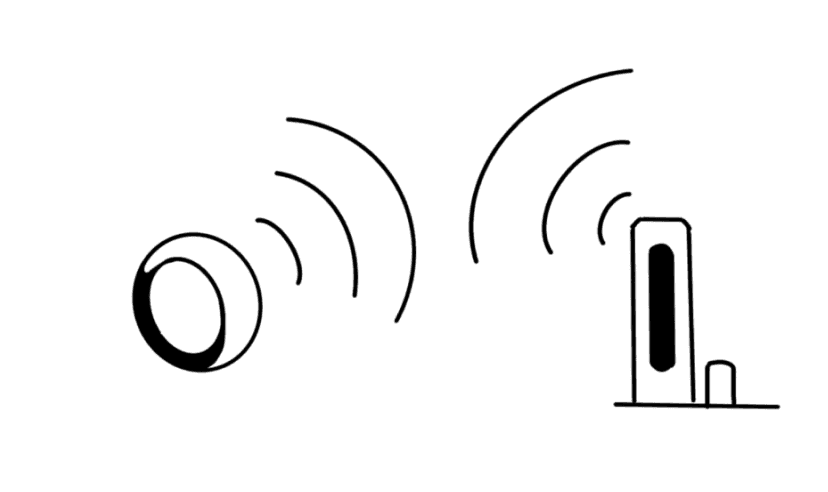
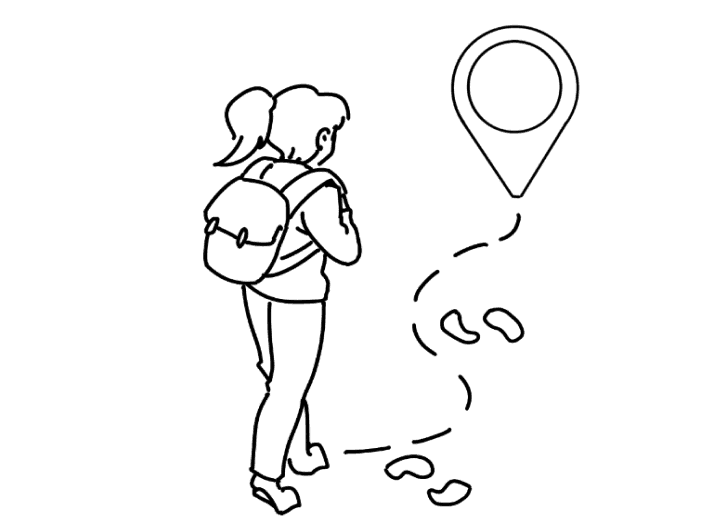
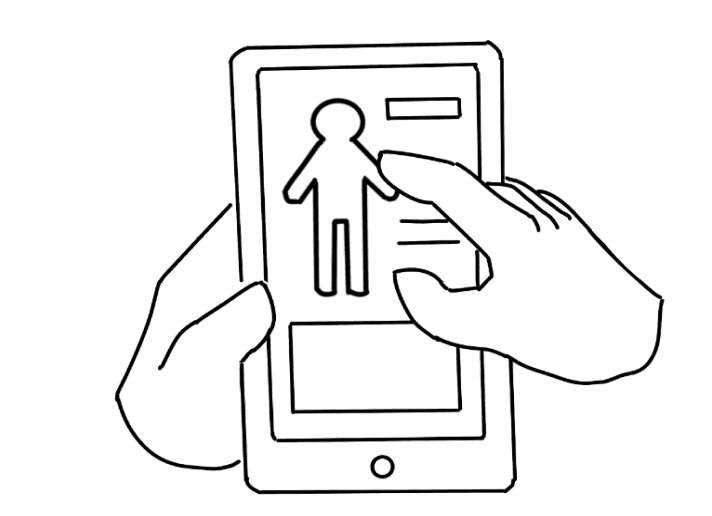
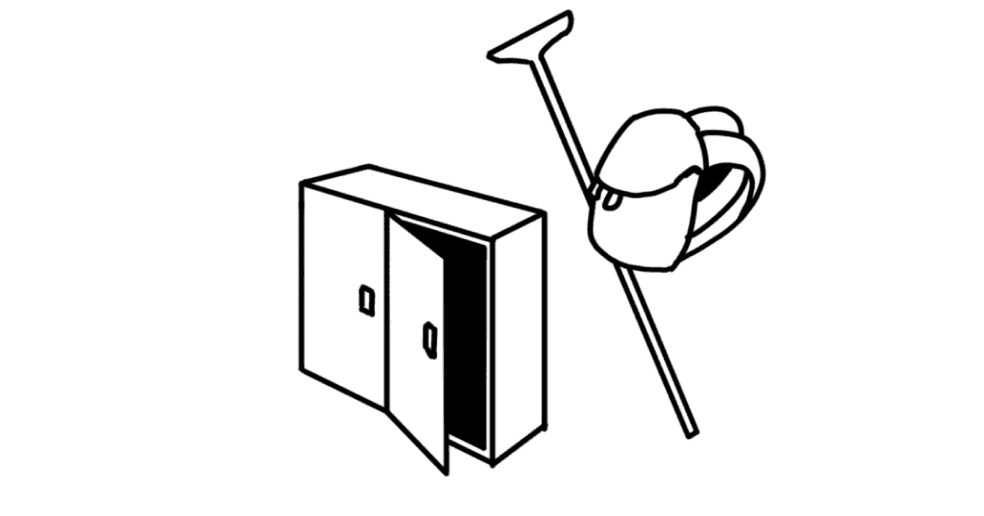
Follow the instruction to the starting point
Enter data like body information
Store belongings such as a cane
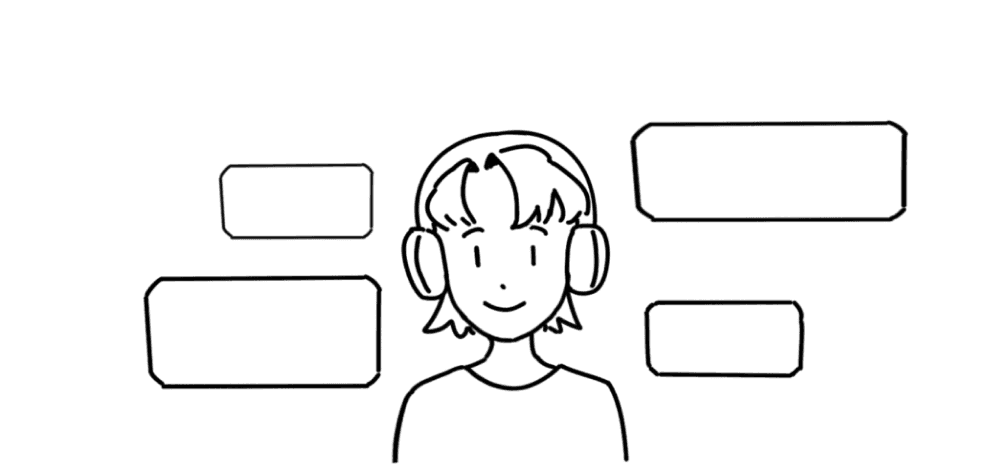
Listen to the audio presentation on how to use and runway layout
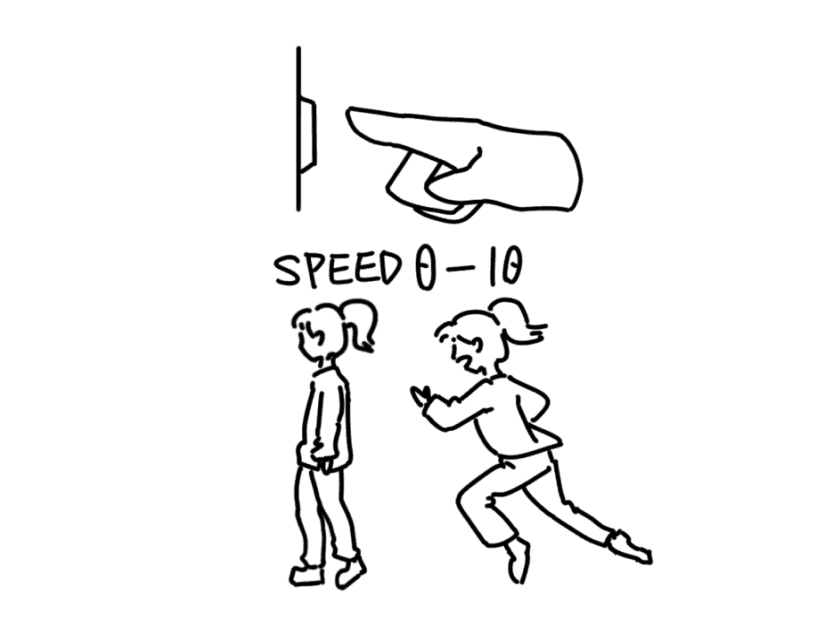
Choose the running speed or the system gives a recommendation
Identify the corresponding ring handle by vibration alert
Change the track and enter the corresponding track according to the select speed
Follow the handle “ring” to complete the run
Change track back to the end point

IT’S TIME TO END TODAY’S RUNNING EXERCISE!
Task Flow
1
2
4
3
5
6
8
7
9
Project Outcome

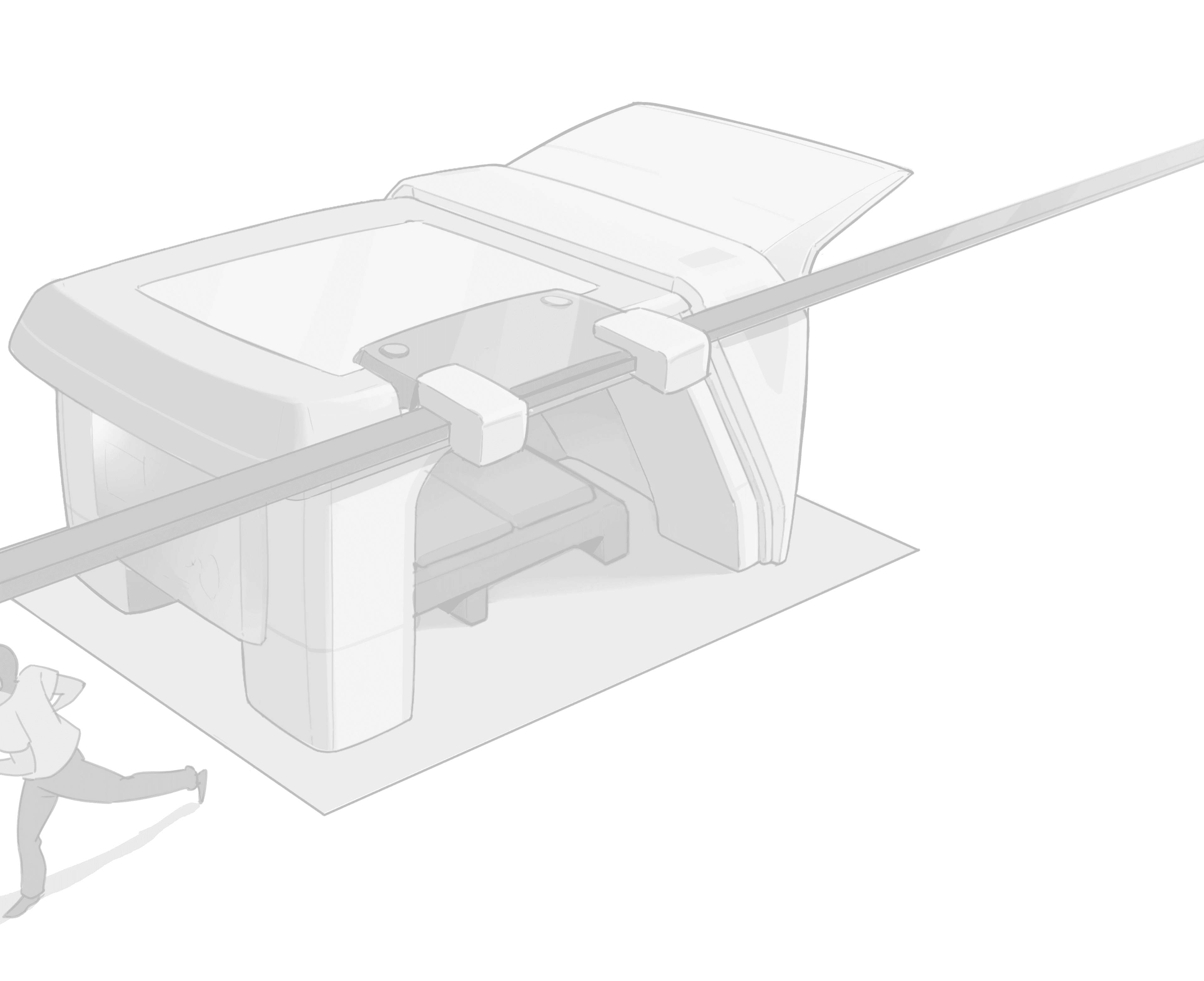
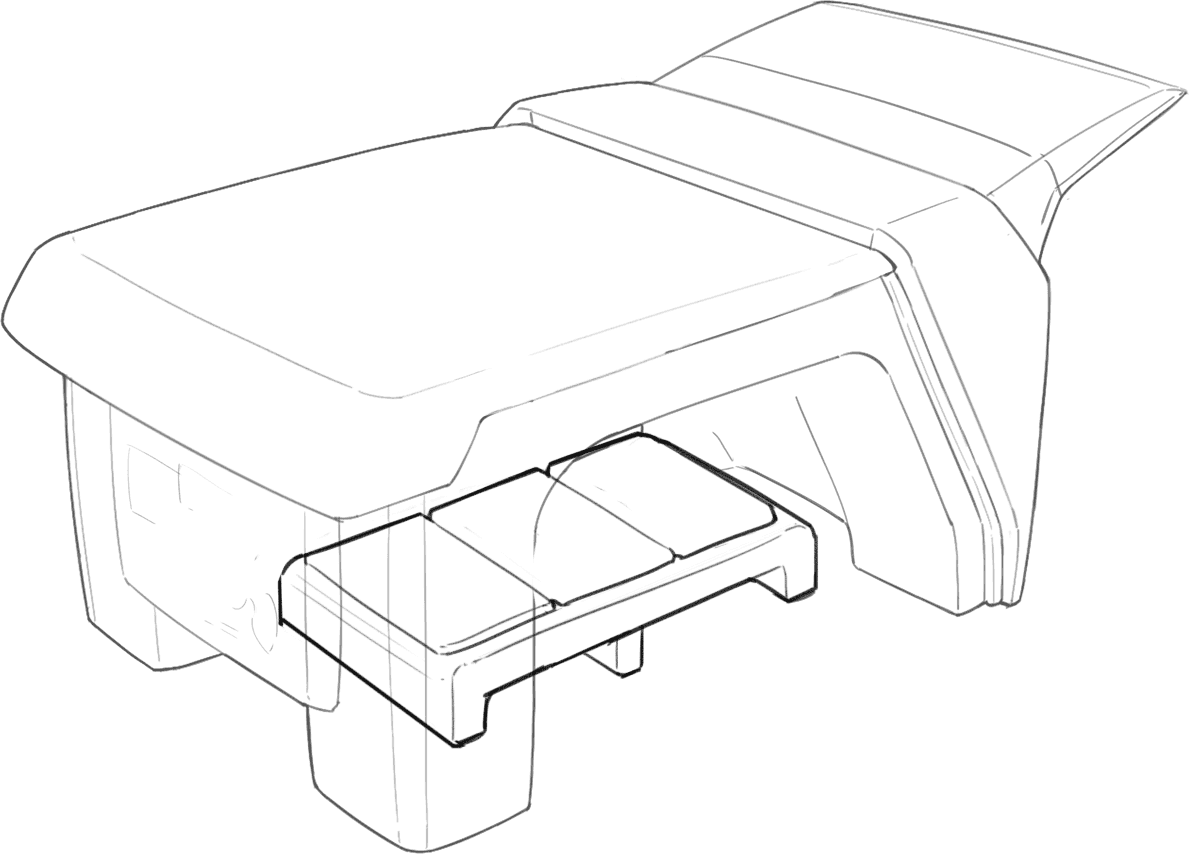
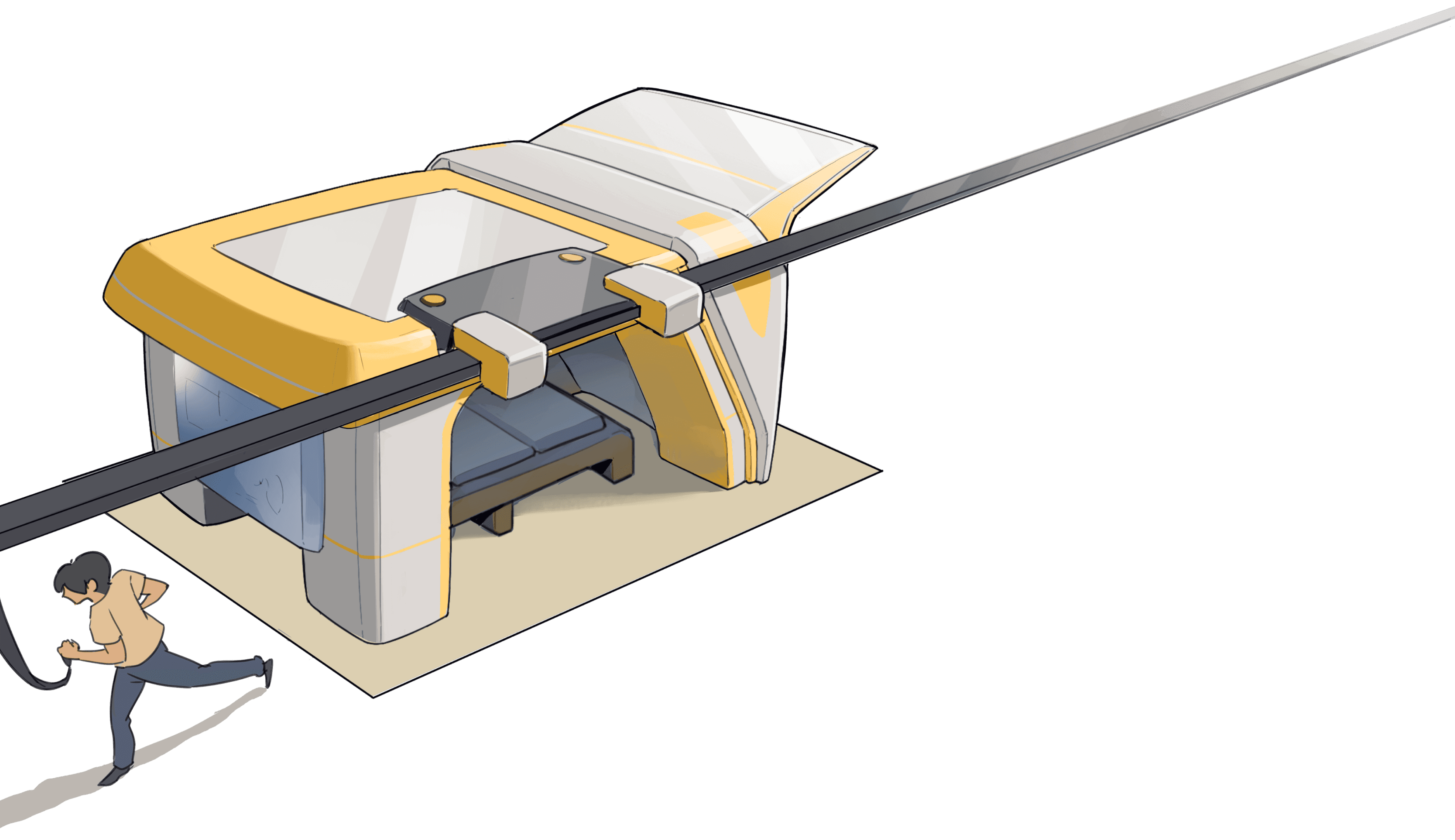
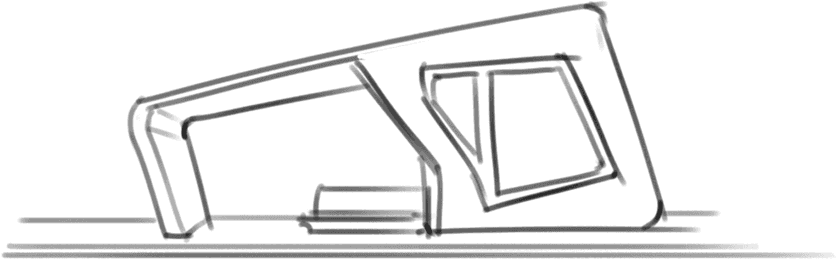
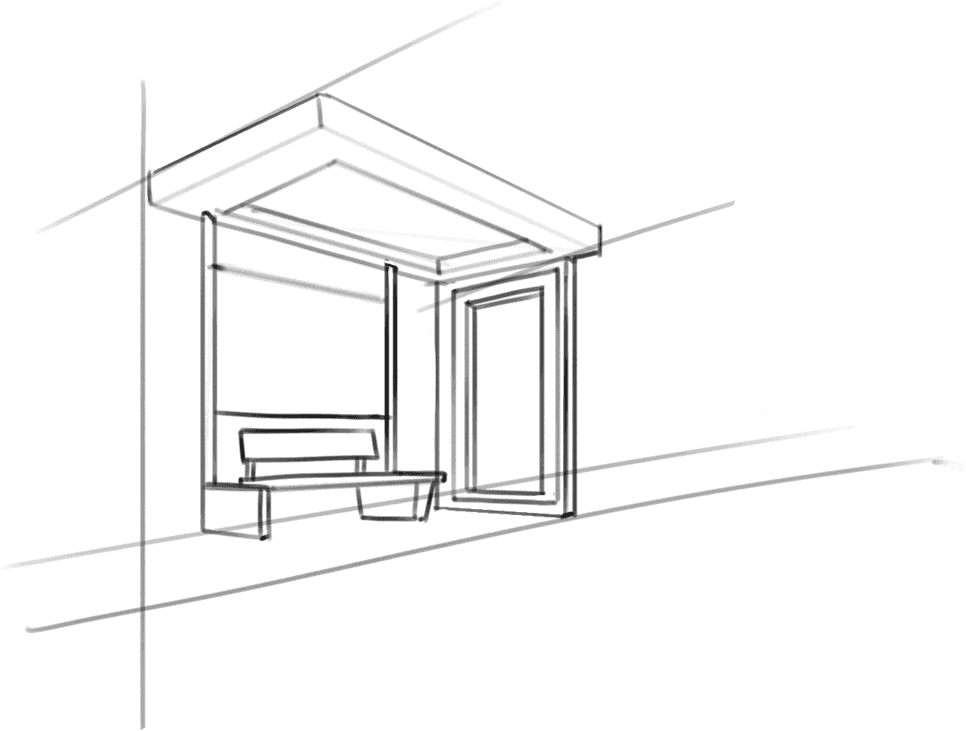
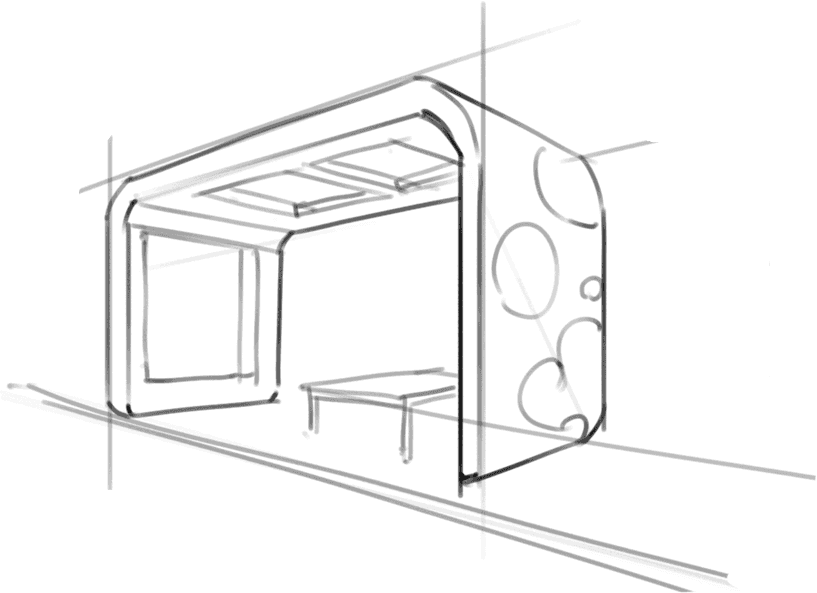
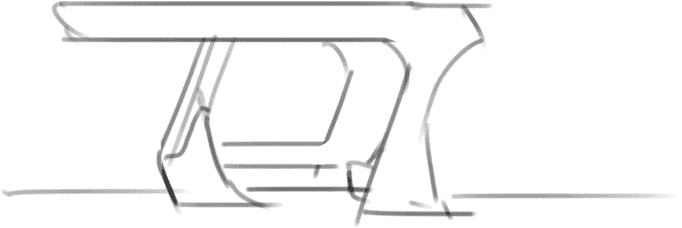
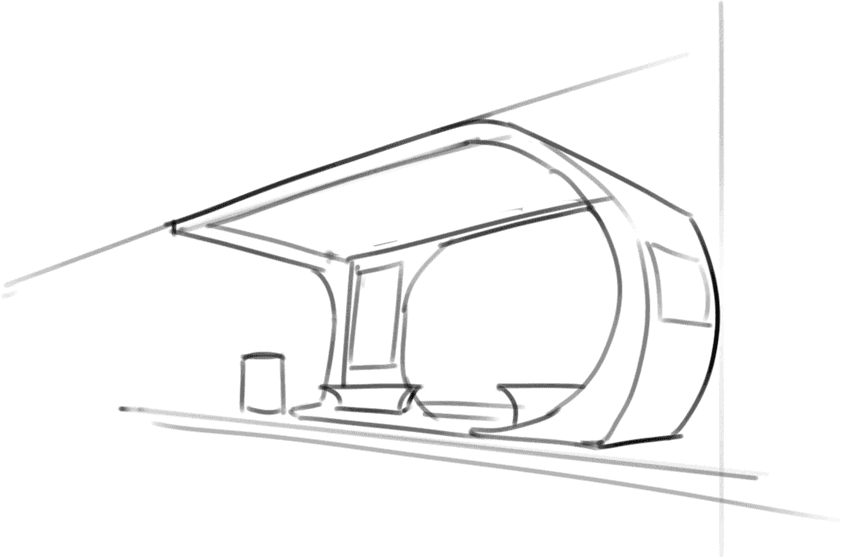
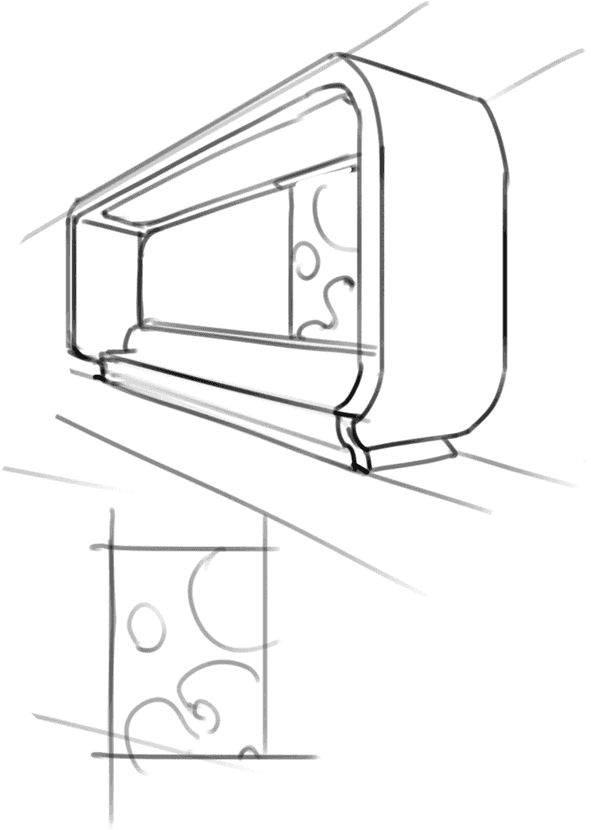
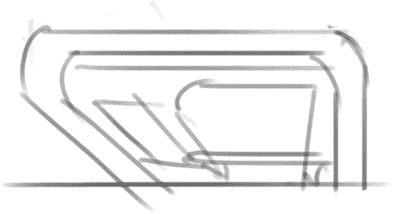
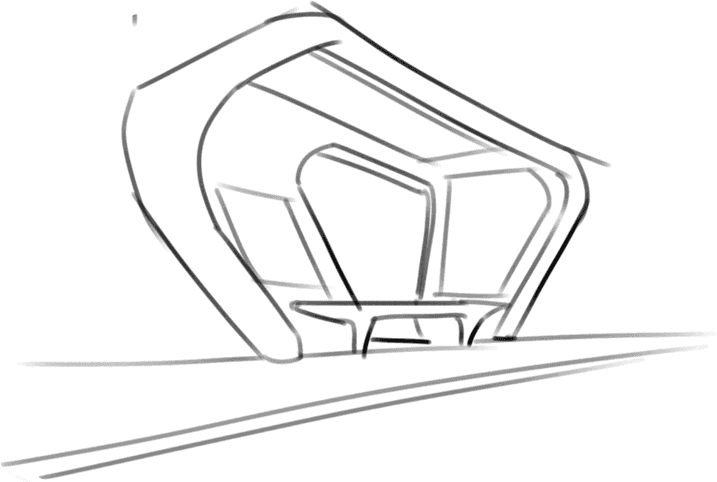
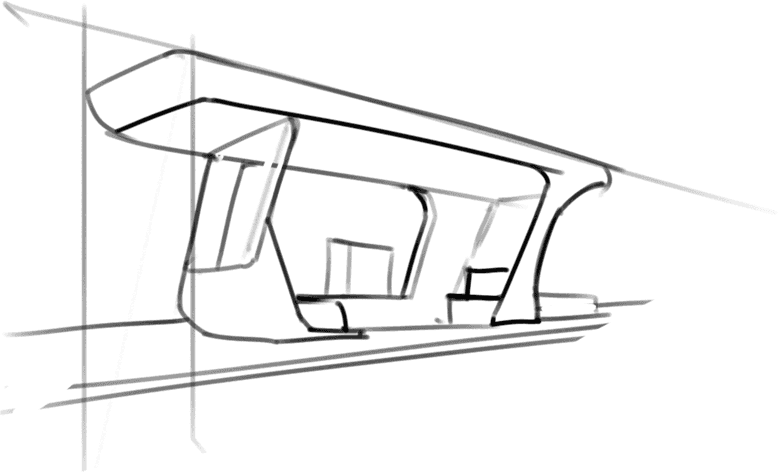
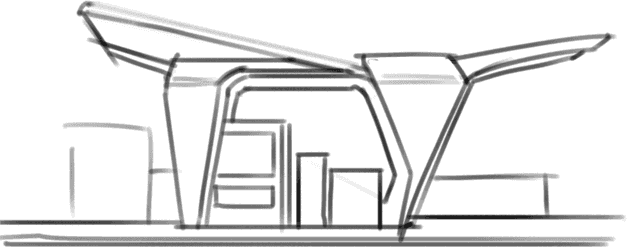
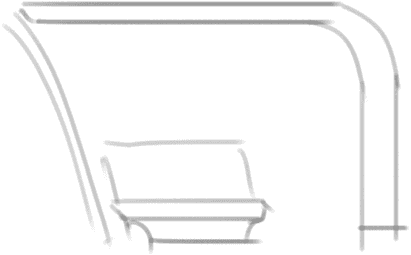
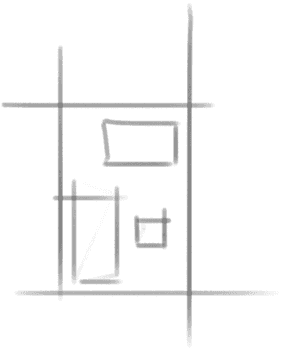
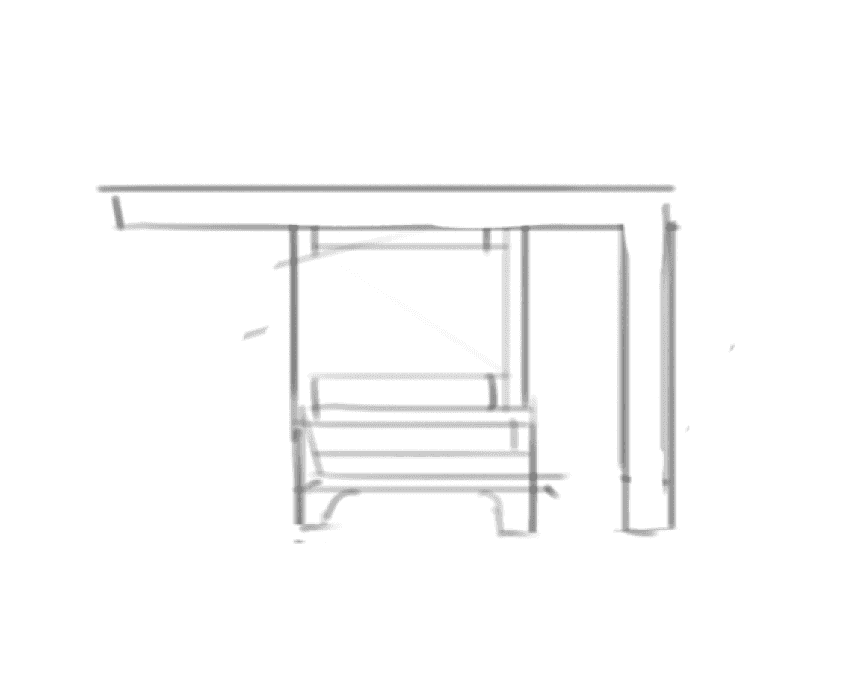
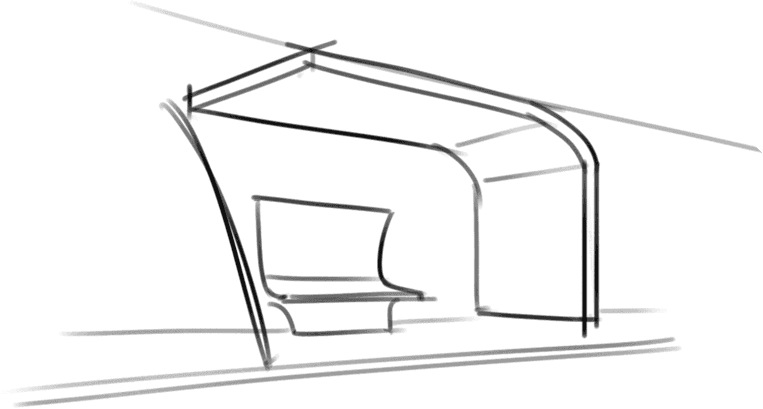
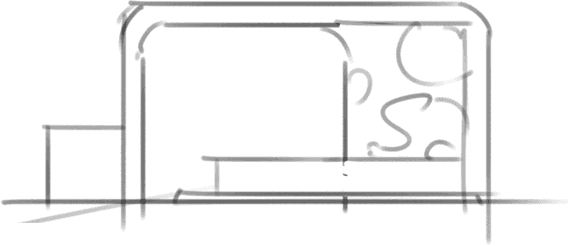
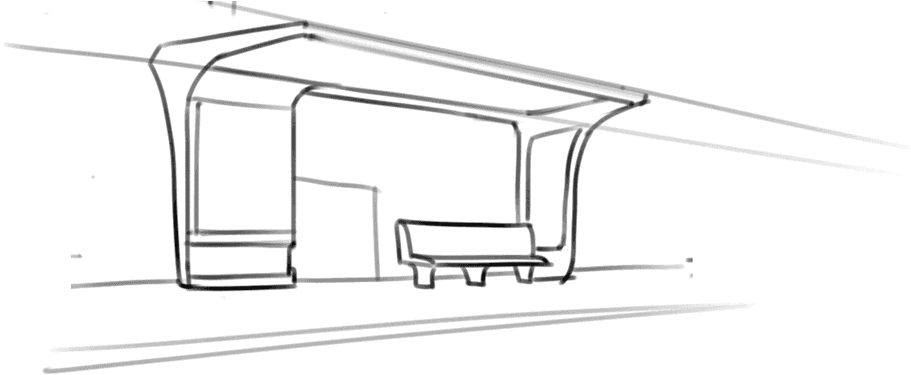
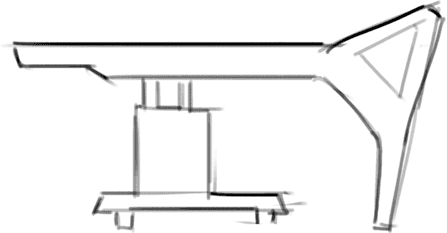
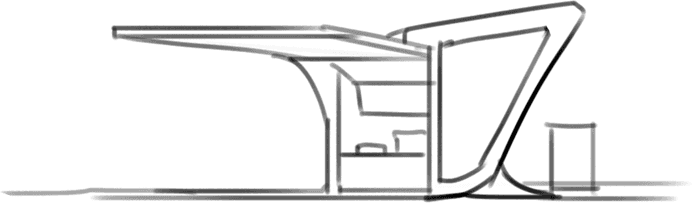
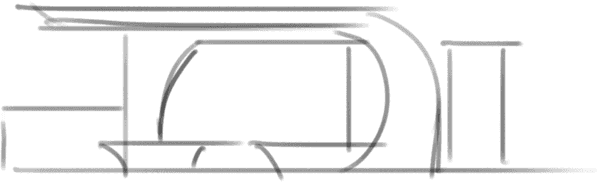
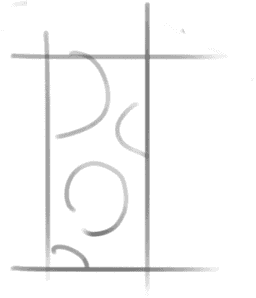
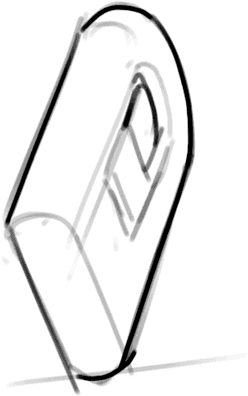
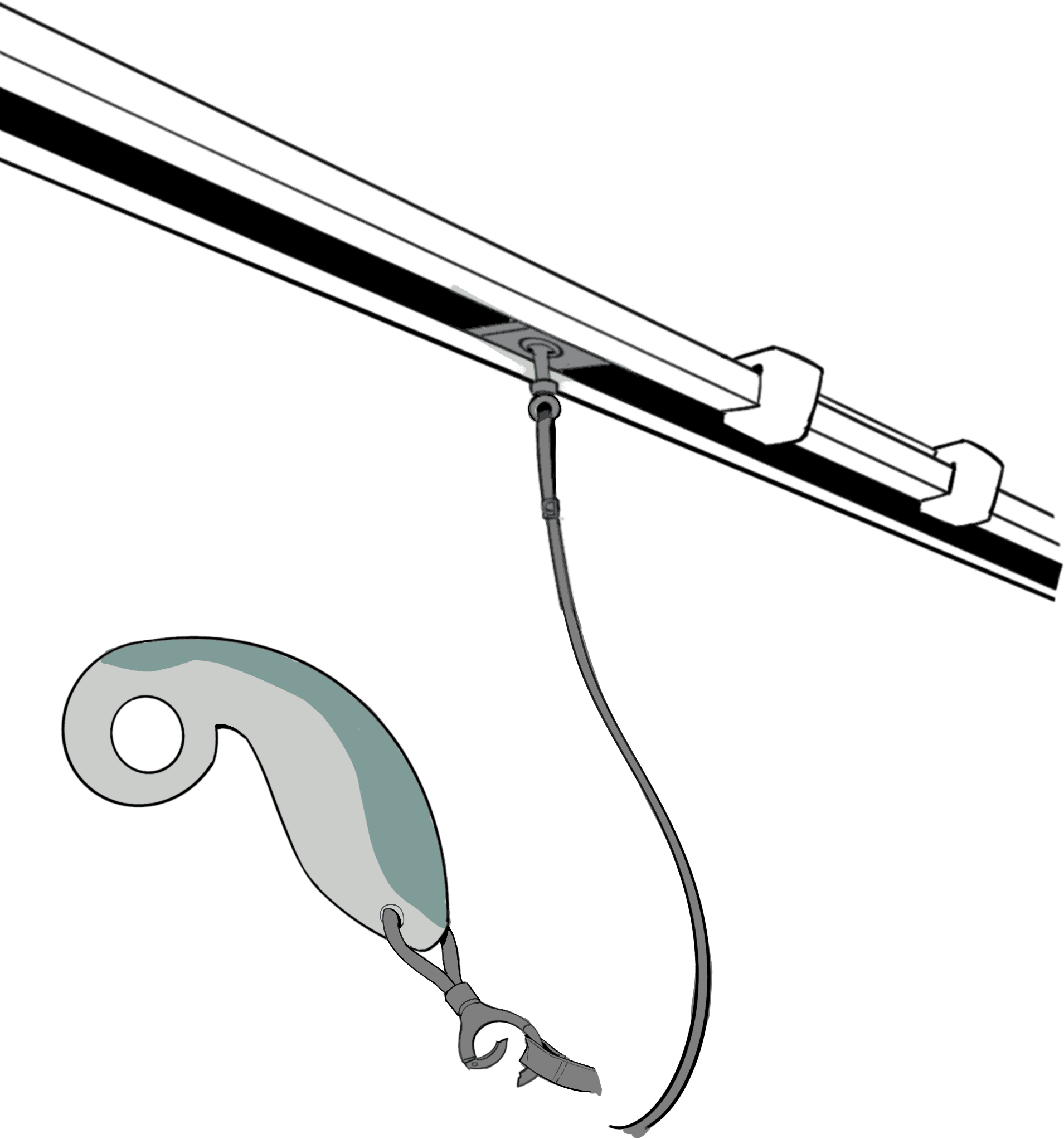
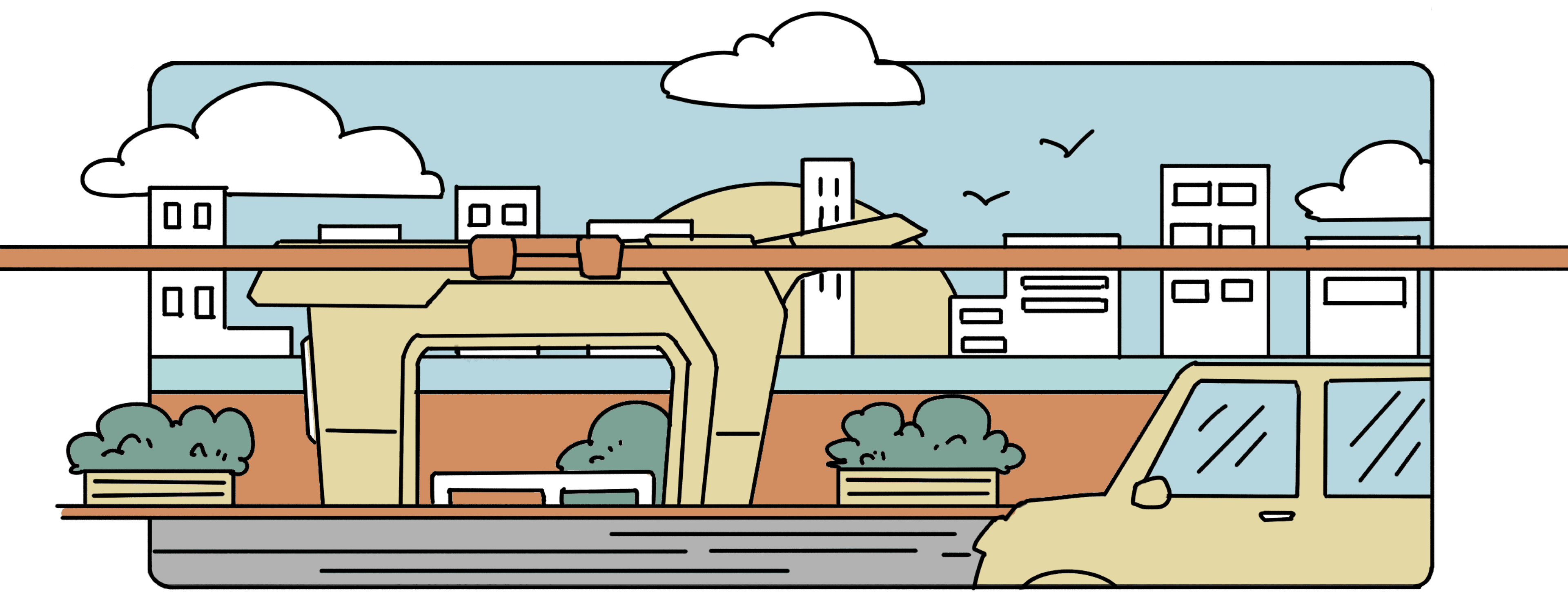
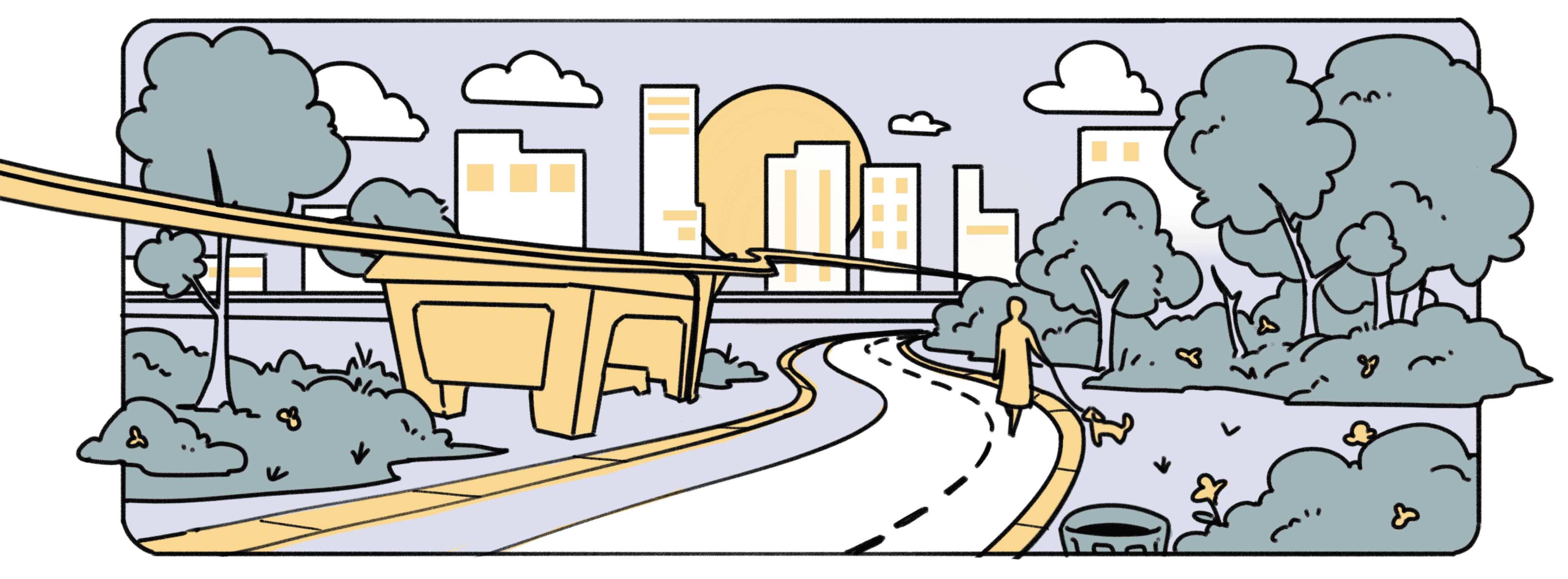
There are rest stations along the running route for runners to take breaks. The rest stations are compact in size, with just one three-person bench. The top is connected to tracks that run through the running route, and runners can connect their devices to the tracks using ropes, similar to the ropes held by volunteers in blind runner programs.
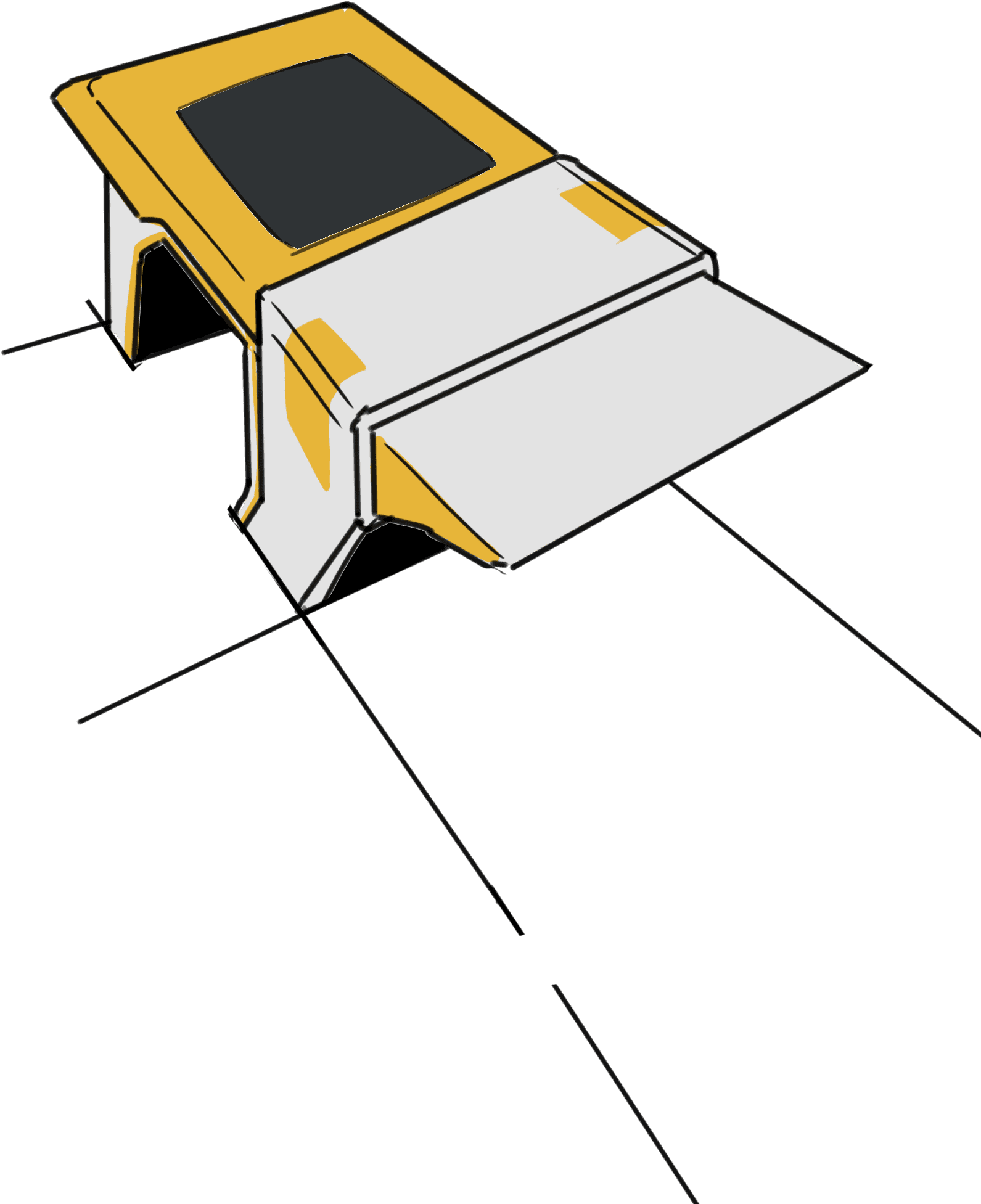
Rest Stop
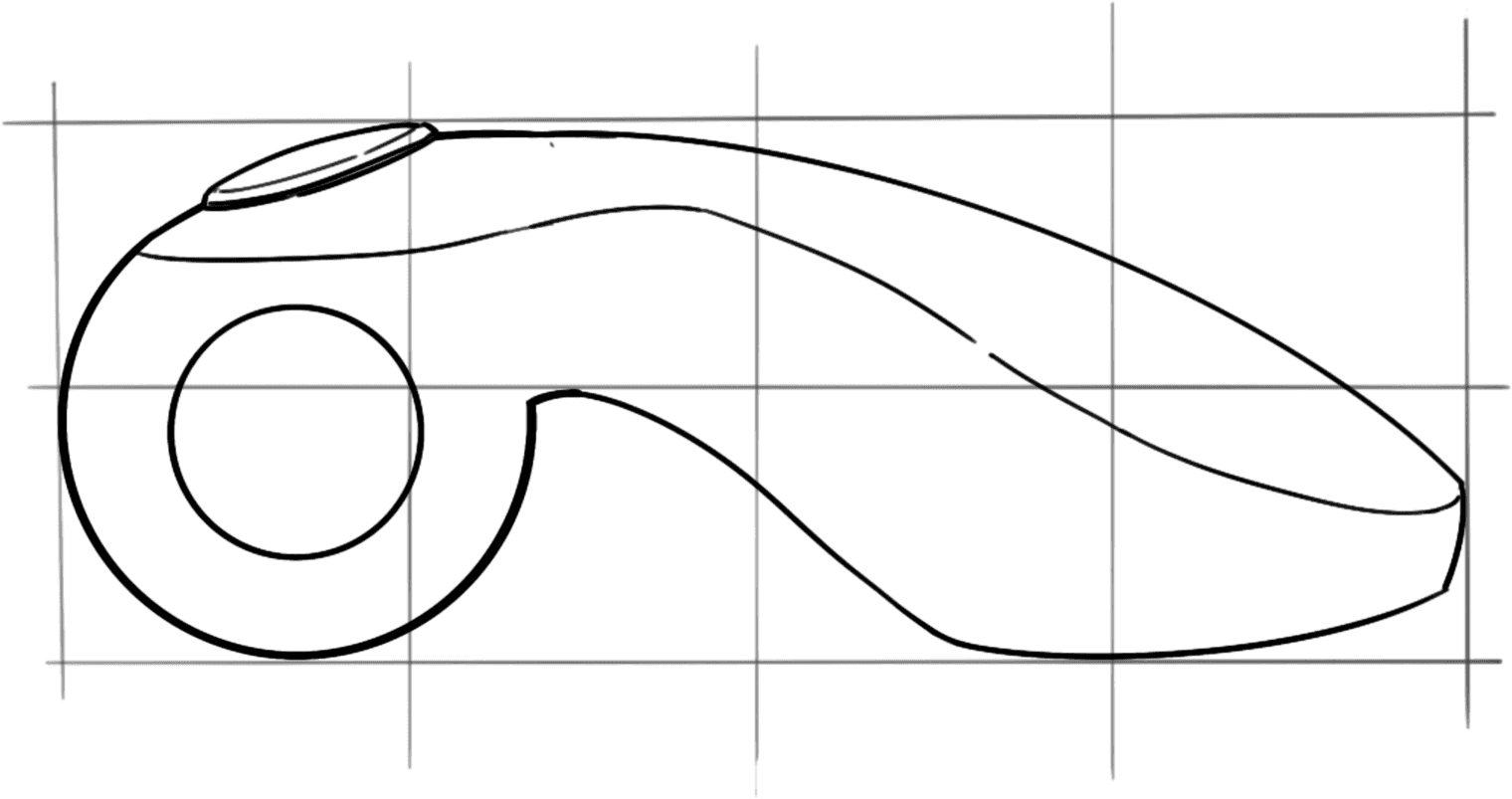
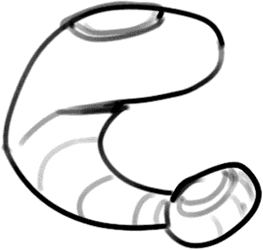
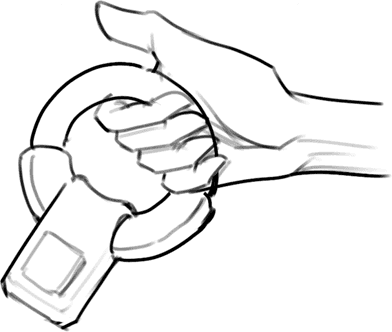
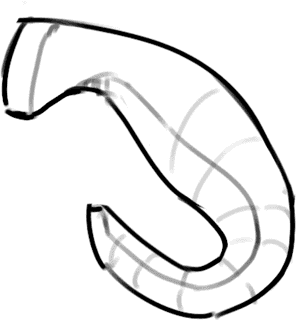
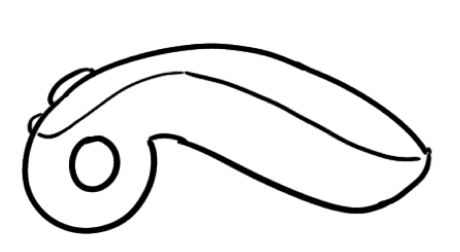
Tracks with ropes will be installed near the station, and there are metal hooks at the end of the product's grip section that can connect the rope and product together
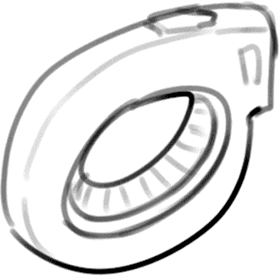
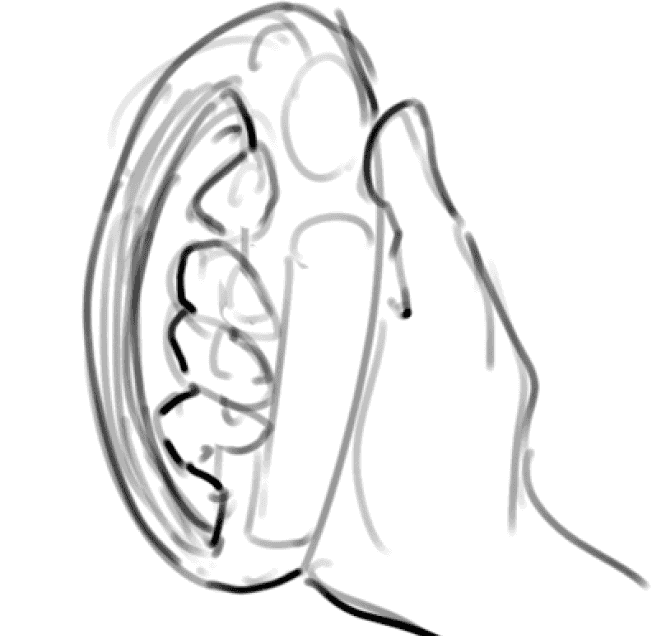
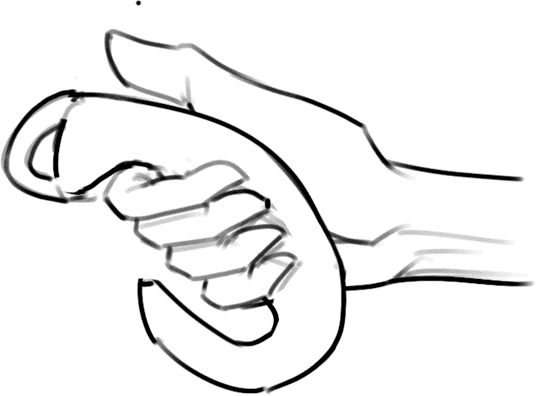
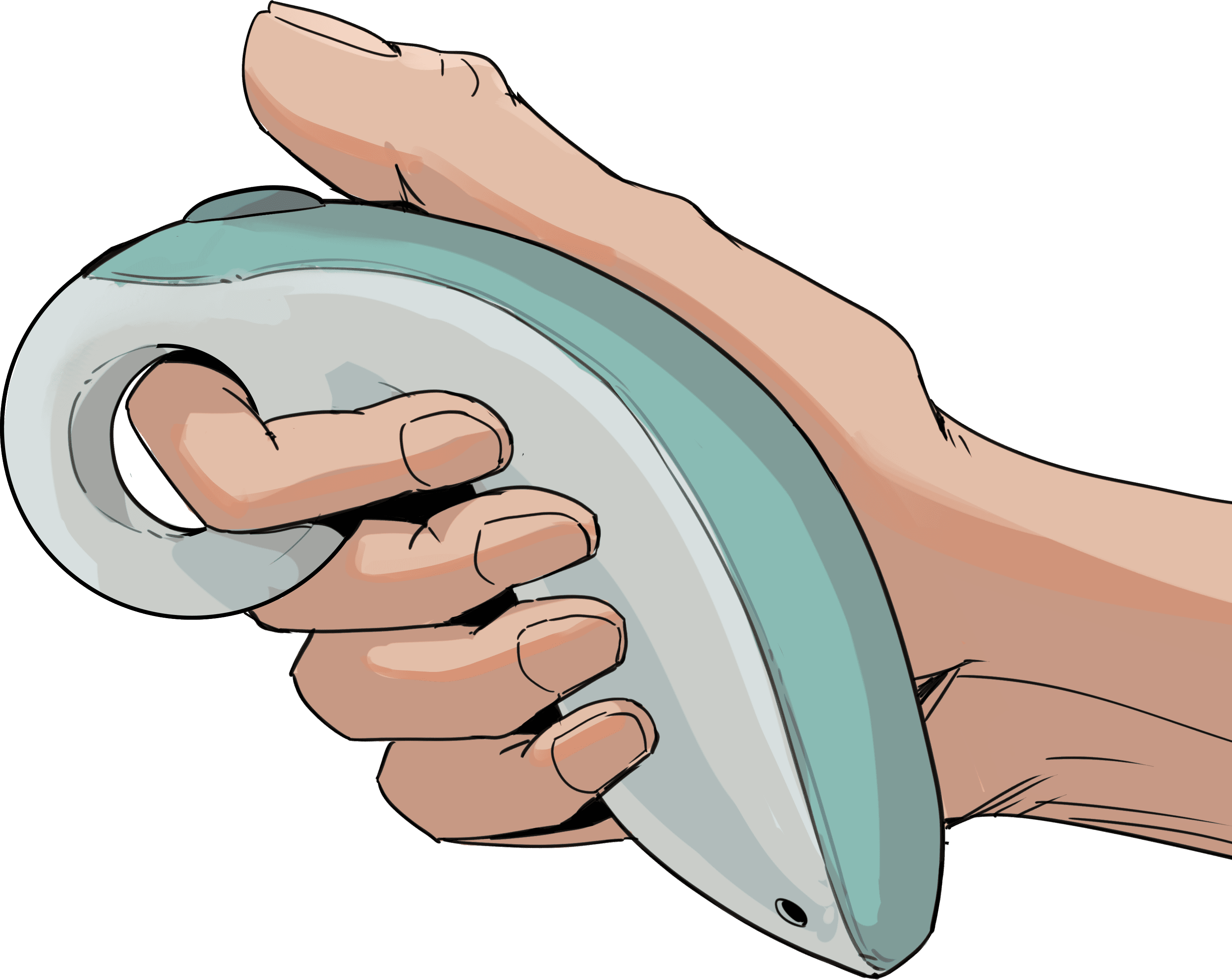
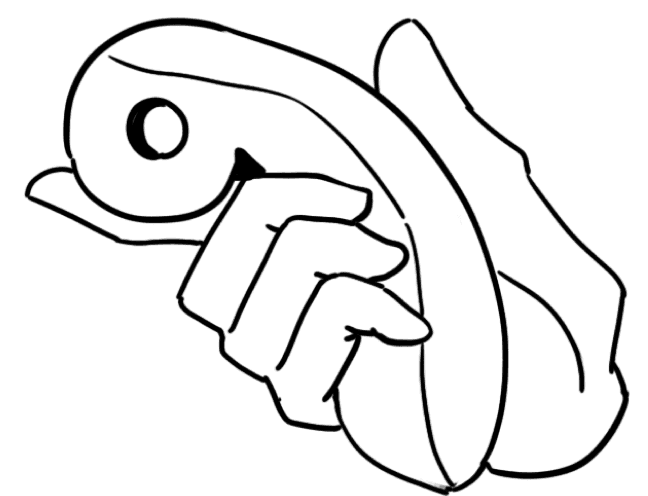
The blue part of the product is made of rubber, which has a relatively soft touch, with a circle at the front that allows fingers to pass through, making it more comfortable to grip
Yes
Previous page
Next page
No
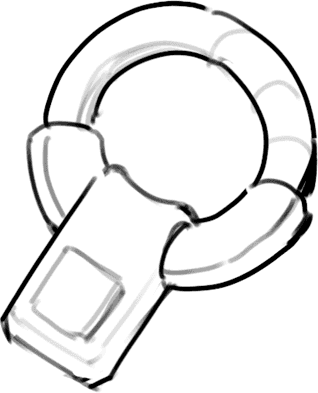
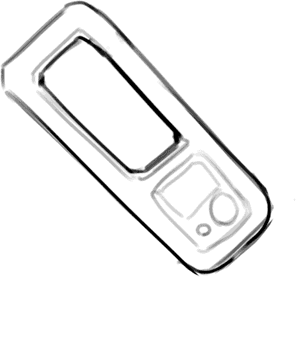
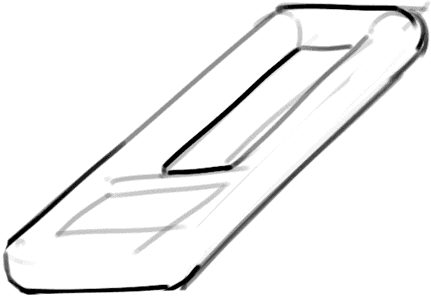
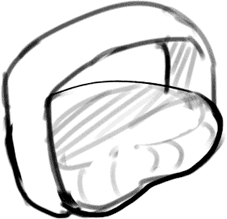
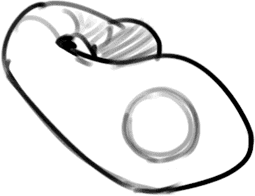

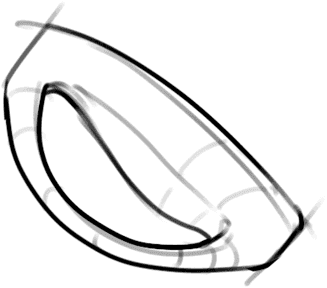
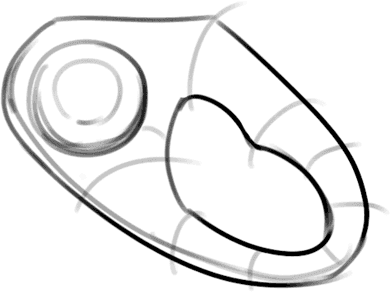

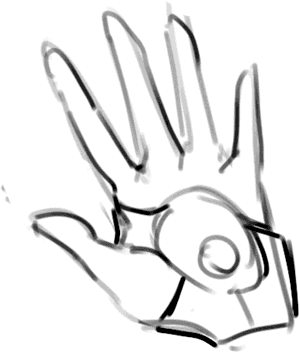
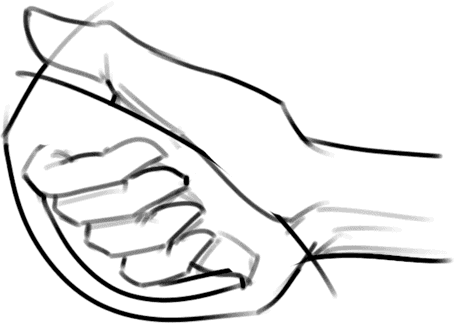
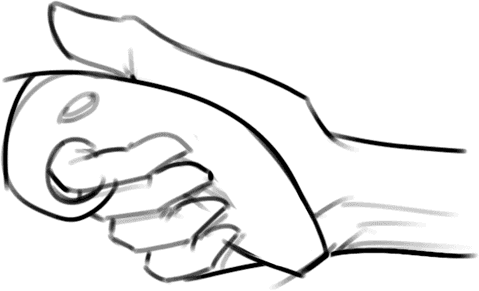
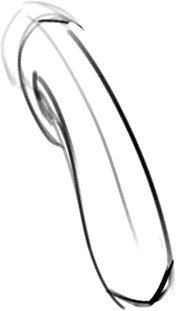
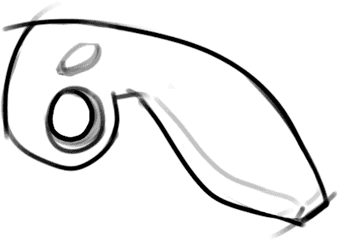
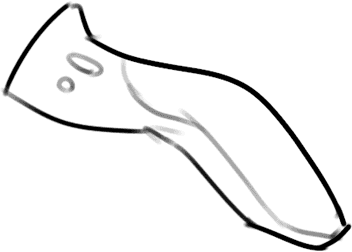
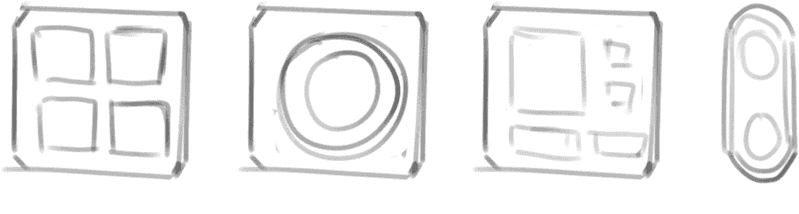
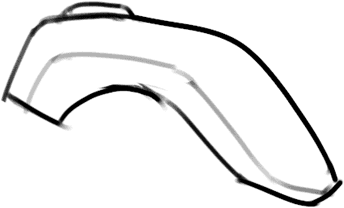
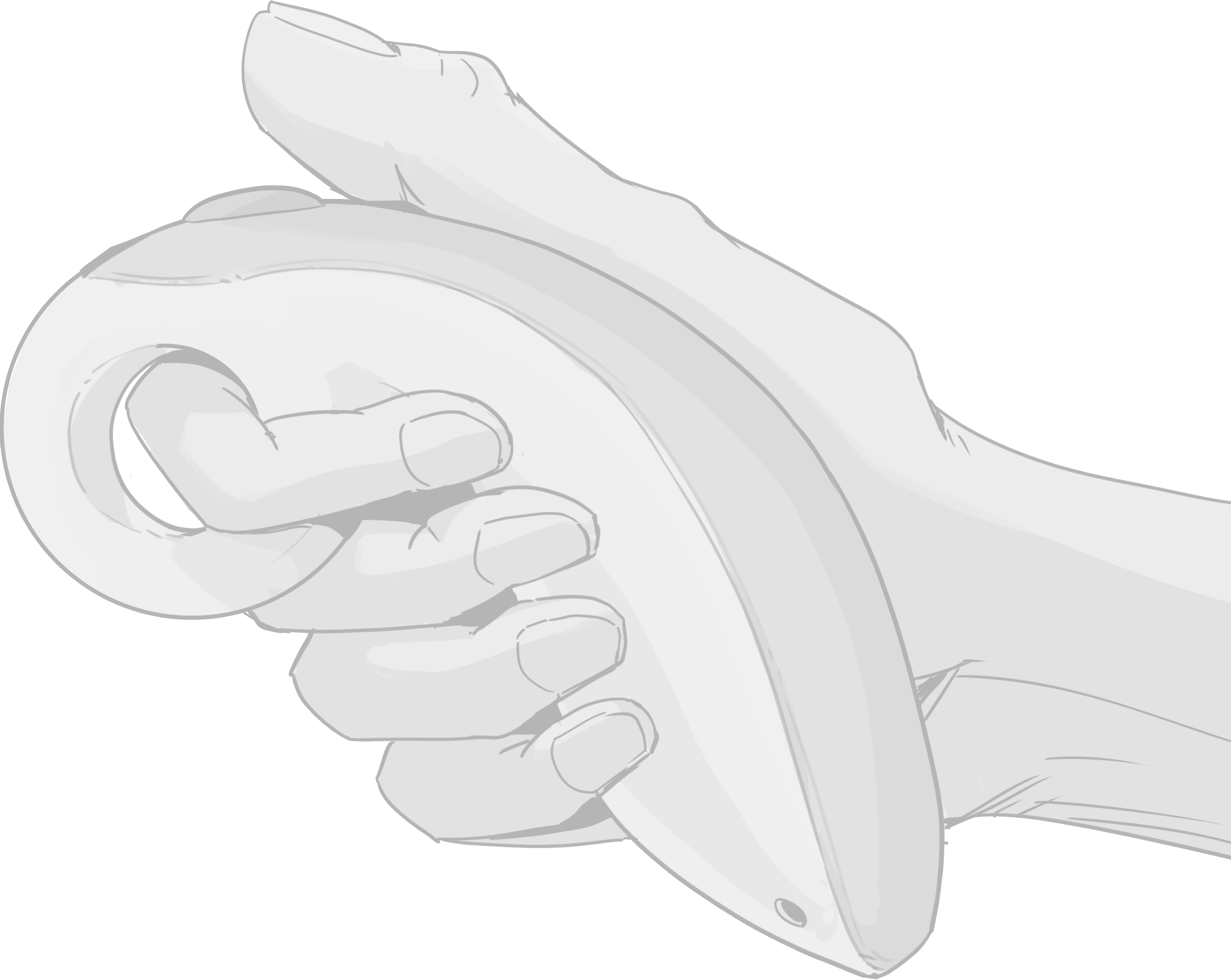
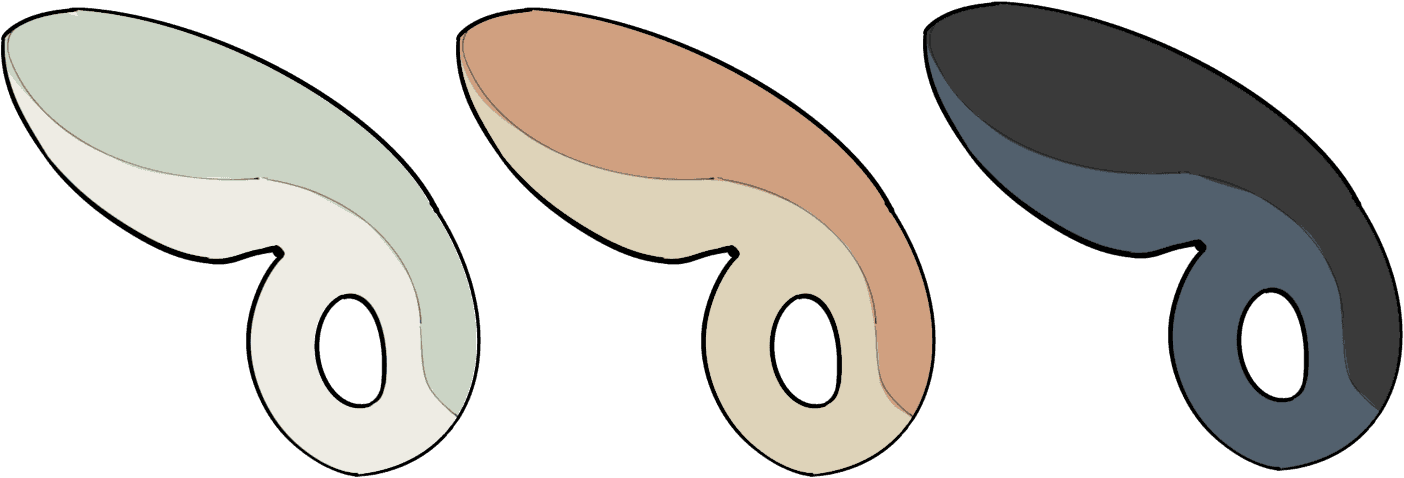
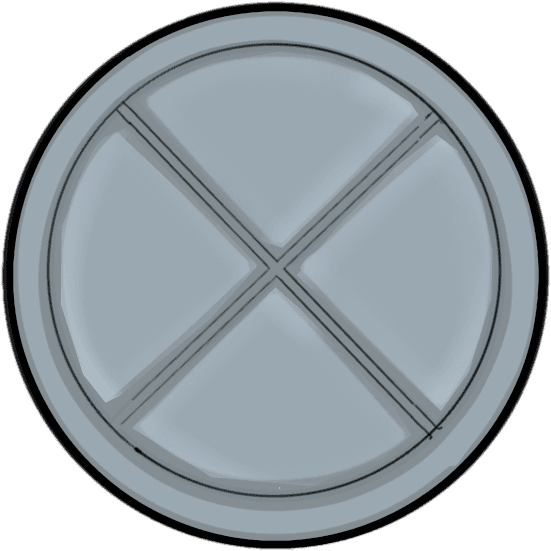
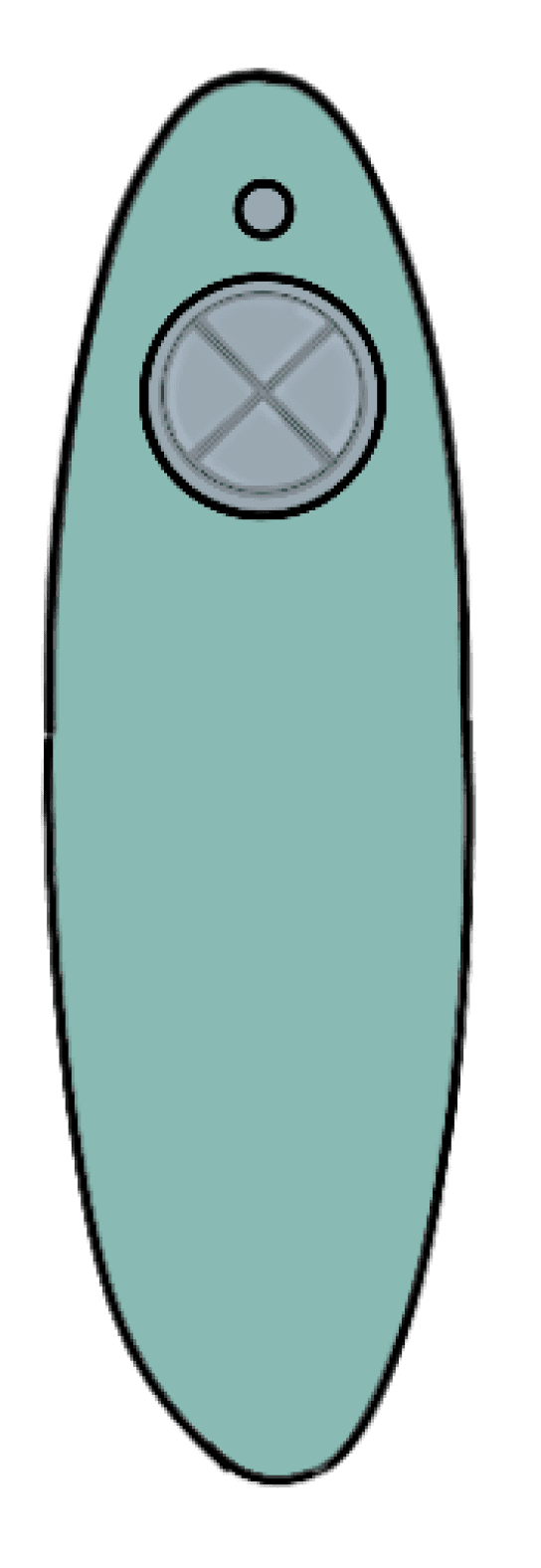
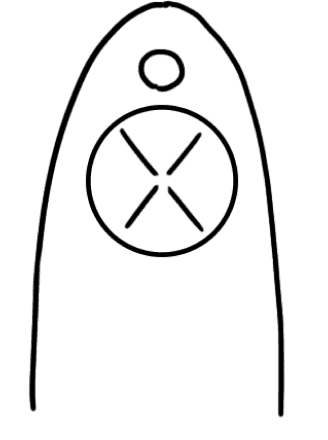
The circular control button on top of the product has voice functionality, allowing users to press the button through voice prompts
Power Button
Control Button
Rubber Shell
1
2
3
1
2
3
Handhold Sports Recorder
See Less, Run Safer
Night Blindness Won’t Slow You Down.
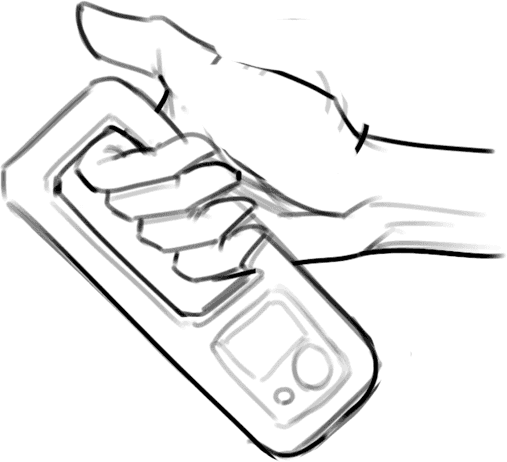
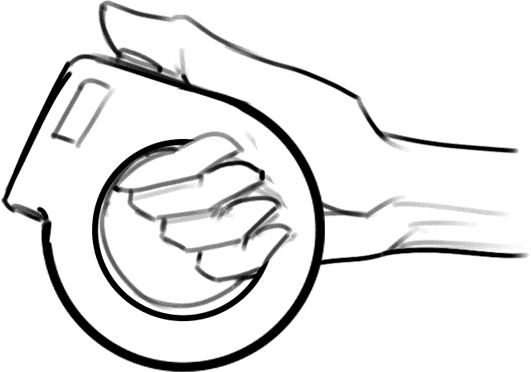
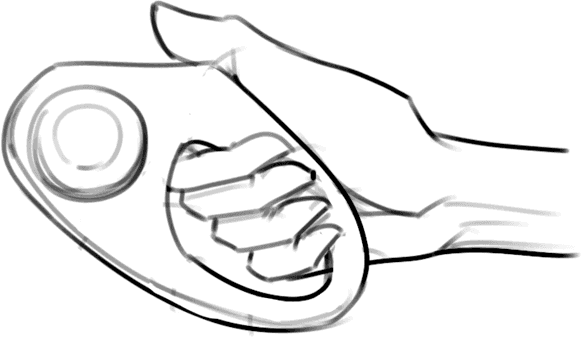
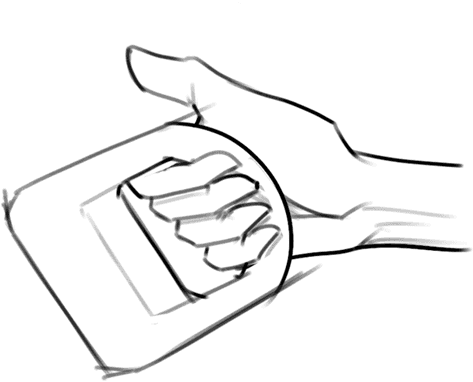
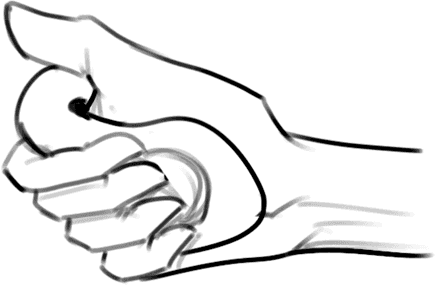
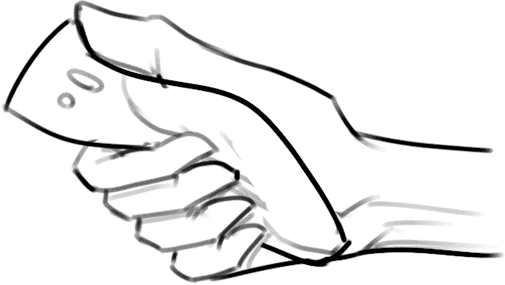
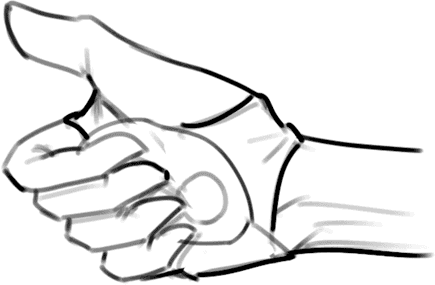
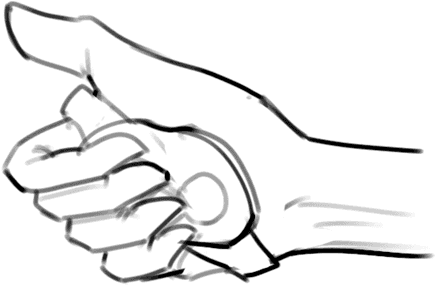
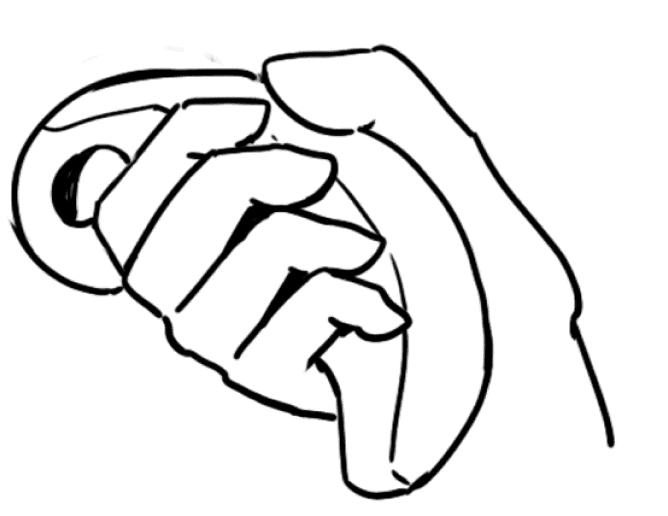
Hold the product and hook your index finger through the circular ring at the front
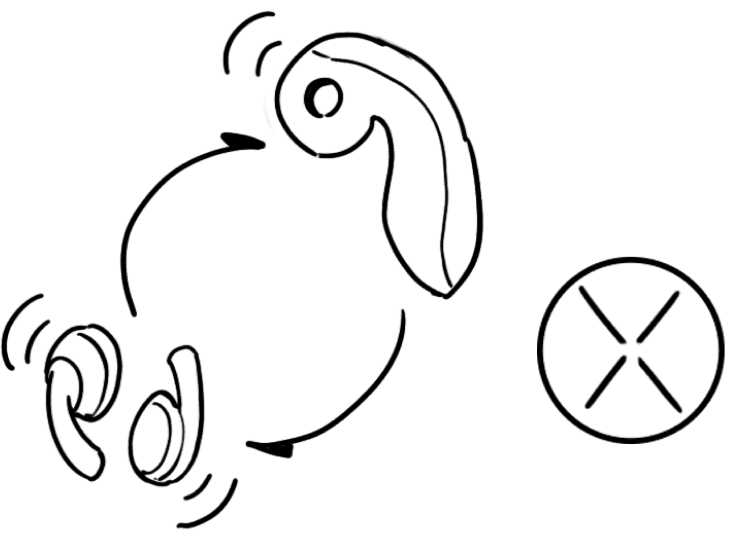
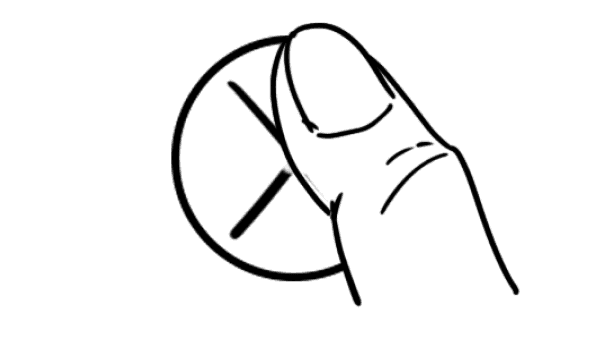
Press and hold the small circular button - when you hear a beep sound, this indicates the device is turned on
Press and hold to power on/off
For first-time use, press and hold the circular button to turn on Bluetooth and connect the device to the earphones
After the device is turned on, it will automatically monitor your health status. Please ensure you are holding the grip section of the product to enable this function to work properly.
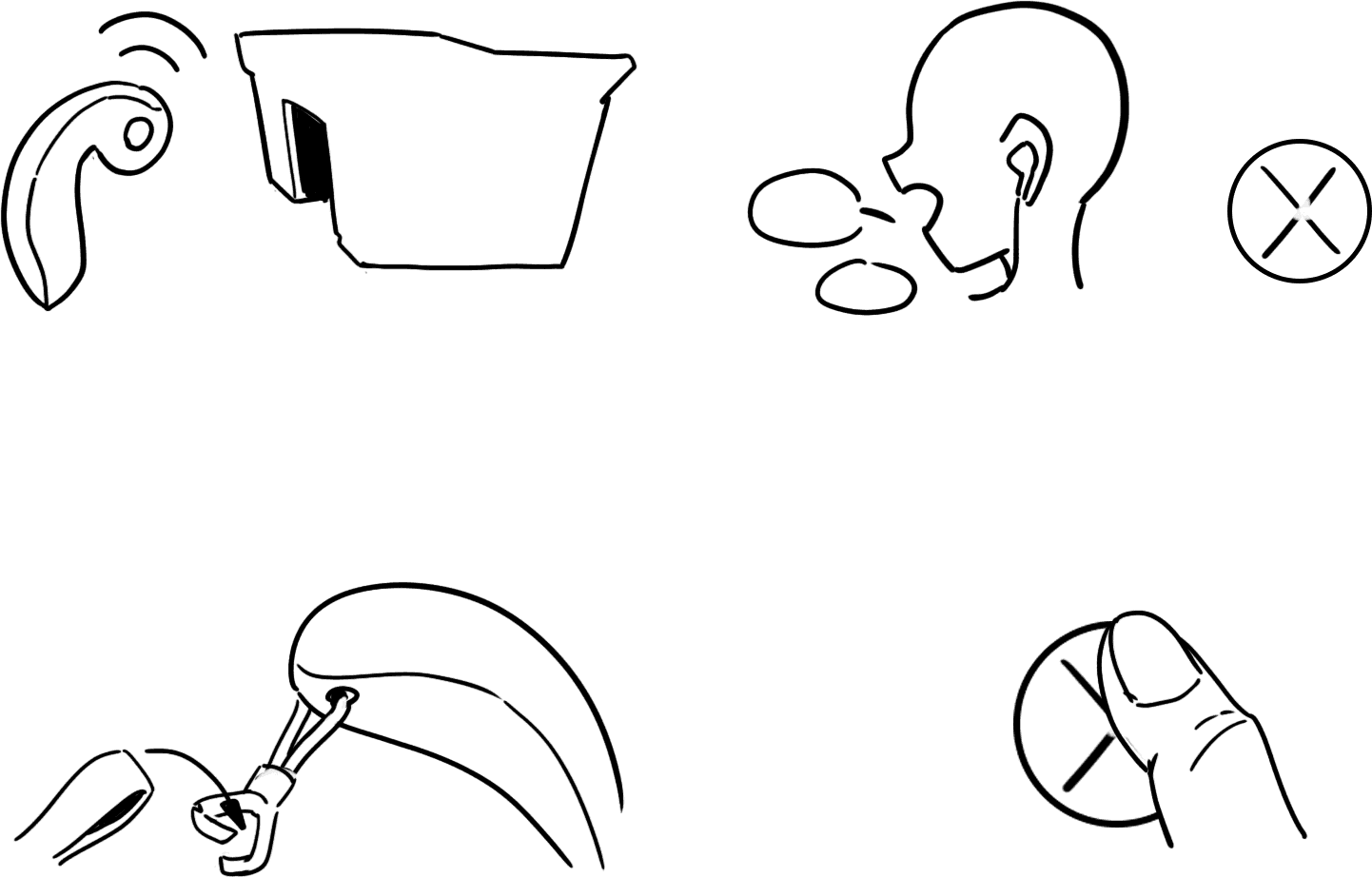
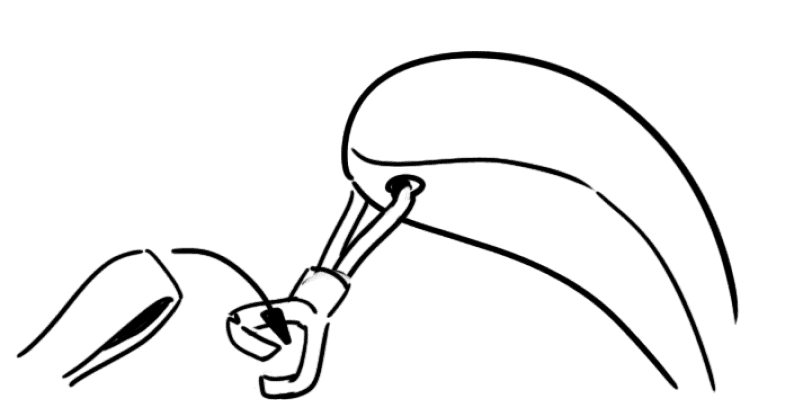
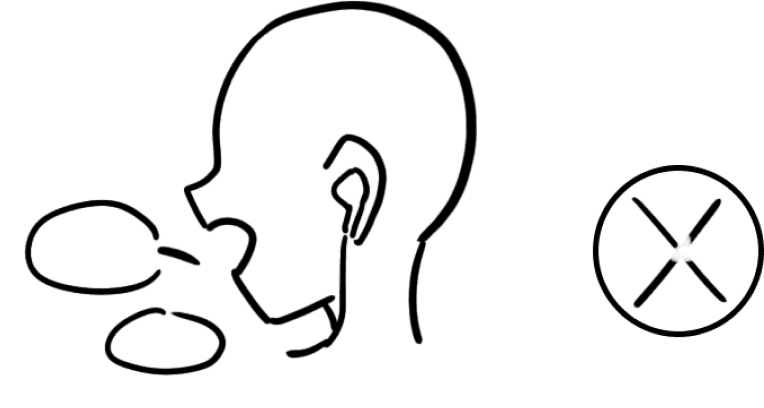
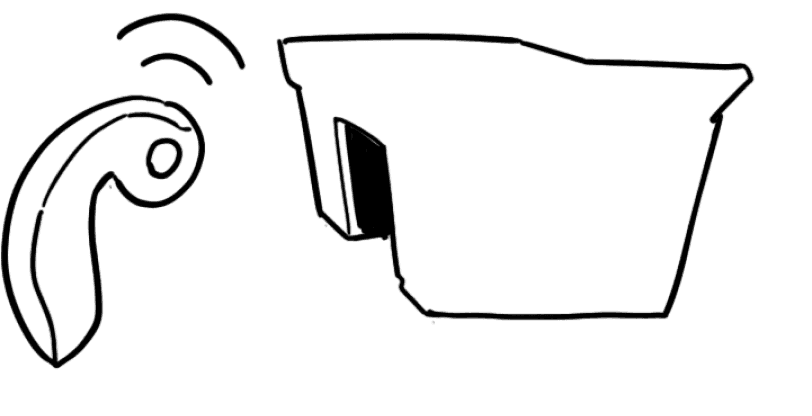
When you approach the venue, the system will provide voice prompts asking if you want to activate exercise mode. Please use voice commands to set up run timing and health settings
You will be prompted to attach the hook to the guide rope, press the center of the control button to confirm, and then enjoy your exercise!
Instructions
Blind Runner is a cross-disciplinary project that marks my first step into User Experience Design. Coming from an undergraduate background focused on character design and illustration, this project was a shift that it taught me how to let combine research and my design data.
The biggest challenge was bridging the gap between myself and the users. Since I am not visually impaired, I initially struggled to understand what they truly needed or how to create a product that would help. However, the research process helps a lot. This helps me find users’ needs and desires that provided the essential framework and inspiration for my final design.
Take Away